Programming Tutorial: Turning Coding Novices into Pros
Most people think learning to code is about memorizing syntax. They spend weeks staring at documentation, trying to remember where the semicolons go in JavaScript is a high-level programming language that enables interactive web pages and is an essential part of web applications. But here is the truth: pros don’t memorize more than novices. They just debug faster and understand how systems connect. If you want to move from "I can make a button work" to "I can build a scalable application," you need to change your approach entirely.
This isn't about working harder; it's about working smarter. The gap between a beginner and a professional developer is rarely raw intelligence. It is usually a lack of structured practice and poor problem-solving habits. In this guide, we will break down the exact steps to bridge that gap, using real-world strategies that actually stick.
The Quick Summary: How to Level Up Fast
- Stop watching, start typing: Passive tutorials create illusion of competence. You only learn when your fingers hurt from typing errors.
- Master debugging early: Reading error messages is a skill. Learn to isolate variables instead of guessing.
- Build ugly projects first: Don't aim for perfection. Aim for functionality. Polish comes later.
- Learn one framework deeply: Breadth without depth leads to burnout. Pick React is a JavaScript library for building user interfaces, maintained by Meta. or Django is a high-level Python web framework that encourages rapid development and clean design. and master its ecosystem before jumping to the next shiny tool.
- Read other people's code: This is the fastest way to see patterns you haven't discovered yet.
Why Most Beginners Get Stuck (And How to Avoid It)
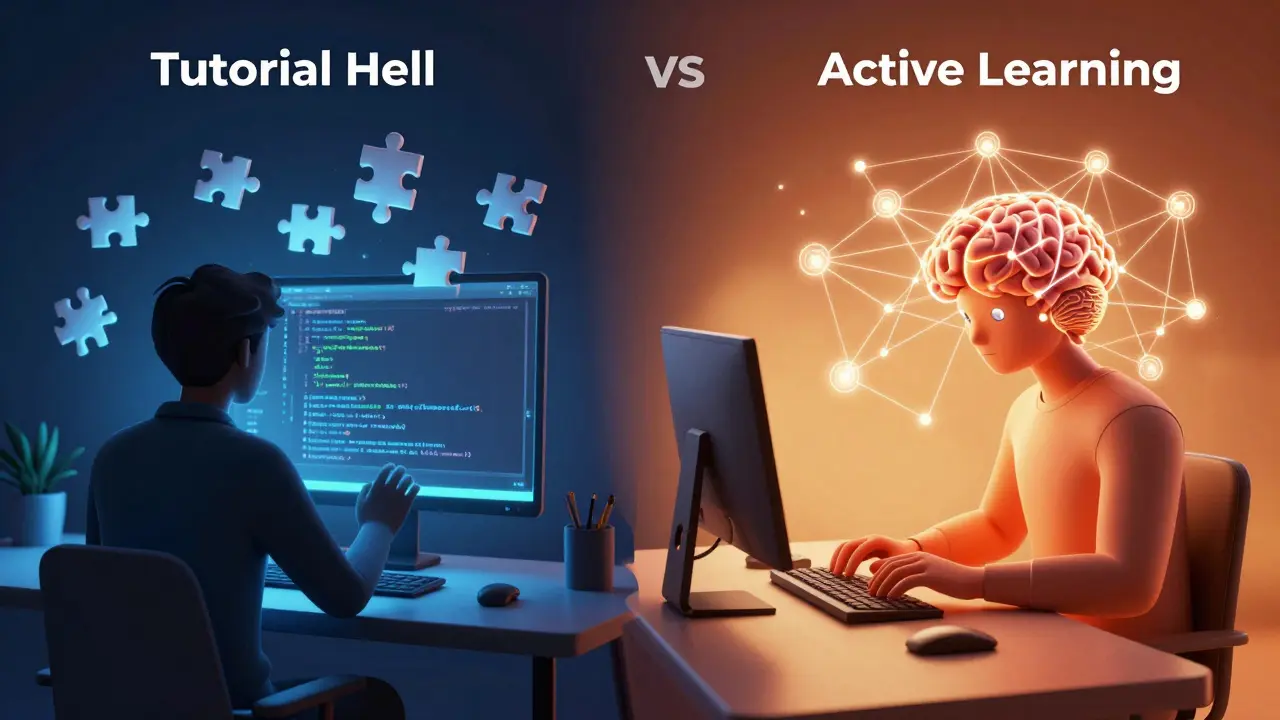
You have probably experienced "tutorial hell." You watch a video, follow along, and feel like a genius. Then you open a blank file, and your mind goes completely blank. This happens because tutorials provide the path. They tell you exactly what to type and when. Real coding requires you to find the path yourself.
The core issue is a lack of active recall. When you copy-paste or closely follow a guide, your brain isn't forming strong neural connections. To fix this, you need to introduce friction. After finishing a tutorial section, close the browser. Open your editor. Try to rebuild that feature from memory. When you get stuck, look up the specific concept, not the whole solution. This struggle is where the actual learning happens.
Another trap is choosing the wrong first language. Many beginners jump into complex languages like C++ or Java immediately. While these are powerful, their steep learning curves can discourage new learners. For most people starting out in 2026, Python is a versatile, high-level programming language known for its readability and wide range of applications. remains the best entry point. Its syntax is close to plain English, allowing you to focus on logic rather than punctuation. Once you understand loops, functions, and data structures in Python, transferring those concepts to other languages becomes much easier.
From Syntax to Logic: Building Your Mental Model
Syntax is just the grammar. Logic is the story. A novice worries if they used `let` instead of `const`. A pro worries if the algorithm is efficient enough to handle ten thousand users. You need to shift your focus from "how do I write this line?" to "how does this system work?".
Start by breaking problems down into tiny pieces. This is called decomposition. If you want to build a to-do list app, don't try to code the whole thing at once. Break it down:
- How do I store a single task?
- How do I add a new task to that storage?
- How do I display that storage on the screen?
- How do I delete an item?
Solve each piece individually. Test them separately. Then glue them together. This modular approach reduces cognitive load and makes debugging significantly easier. When something breaks, you know exactly which module failed.
Understanding data structures is crucial here. You don't need to implement a binary search tree from scratch every day, but you must know when to use a hash map versus an array. An array is great for ordered lists. A hash map (or dictionary/object) is perfect for looking up data by a unique key. Choosing the right structure saves you hours of refactoring later.
The Art of Debugging: Your Superpower
Debugging is not a sign of failure; it is the job. Senior developers spend more time fixing bugs than writing new code. The difference is speed and method. Novices guess. Pros investigate.
Here is a simple debugging framework you can use today:
- Read the error message: It usually tells you exactly what went wrong and where. Don't ignore it. Copy it into a search engine if needed, but read the stack trace first.
- Isolate the variable: Use `console.log()` or a debugger to check the value of variables at different stages. Is the data what you think it is?
- Divide and conquer: Comment out half your code. Does the bug persist? If yes, the bug is in the remaining half. If no, the bug was in the commented part. Repeat until you find the culprit.
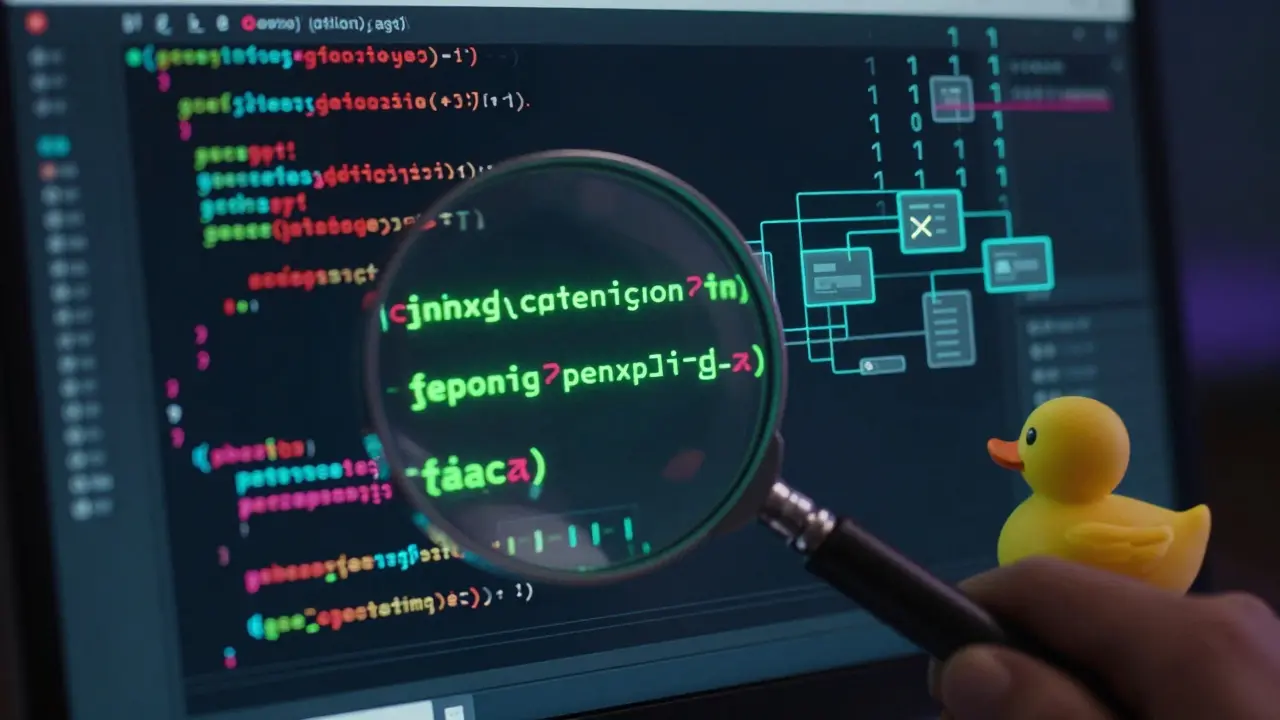
- Rubber ducking: Explain your code line-by-line to an inanimate object (or a patient friend). Often, speaking the logic out loud reveals the flaw immediately.
Tools like VS Code’s built-in debugger allow you to set breakpoints and step through execution. Learning to use these tools early gives you a massive advantage over peers who rely solely on print statements.
Building Projects That Actually Teach You
Tutorials teach you features. Projects teach you engineering. To become a pro, you need to build things that scare you slightly. Not impossible things, but things that require you to research and solve unknown problems.
Avoid generic "calculator apps" or "weather widgets" unless you add a unique twist. Instead, try these project ideas:
| Project Type | Skills Practiced | Difficulty |
|---|---|---|
| Personal Finance Tracker | Data persistence, CRUD operations, UI state management | Medium |
| Automated Email Sender | API integration, authentication, background tasks | Hard |
| Real-time Chat App | WebSockets, database scaling, security basics | Very Hard |
When building these, focus on the full lifecycle. Plan the architecture on paper first. Set up version control with Git is a distributed version control system designed to handle everything from small to very large projects with speed and efficiency. from day one. Write commits that explain *why* you made changes, not just *what* you changed. Deploy your app to the cloud so others can use it. Seeing someone else interact with your code is a humbling and motivating experience.
Reading Code: The Silent Teacher
We read far more code than we write. Yet, many beginners never practice reading existing codebases. This is a missed opportunity. Open-source repositories on GitHub are free libraries of best practices.
Start small. Look at popular libraries you already use. How do they structure their files? How do they name their variables? Do they write tests? Notice the patterns. You might see that most professional projects separate concerns strictly-keeping UI logic away from business logic. You might notice consistent error handling patterns.
Try to predict what the next function will do before scrolling down. Then check if you were right. This active reading builds intuition. Over time, you will start recognizing "smells" in code-signs that a piece of code is messy or inefficient-and you will naturally avoid making those mistakes in your own work.
Staying Current Without Burning Out
The tech industry moves fast. New frameworks emerge weekly. It is tempting to chase every trend, but this leads to shallow knowledge. As a pro, you learn fundamentals deeply so that new tools are easy to pick up.
Focus on timeless concepts: algorithms, data structures, design patterns, and system architecture. These change slowly. Frameworks come and go. If you understand how HTTP works, any new web framework will make sense. If you understand object-oriented principles, any new OOP language will be familiar.
Allocate 80% of your learning time to deepening your current skills and 20% to exploring new technologies. Follow a few reputable newsletters or blogs, but curate your feed carefully. Avoid noise. Quality over quantity always wins in the long run.
Frequently Asked Questions
How long does it take to go from novice to pro in coding?
There is no fixed timeline, but most developers report feeling "competent" after 1-2 years of consistent, daily practice. Becoming a "pro" or senior-level engineer typically takes 5-7 years of real-world experience. The key is consistency: coding for one hour every day is better than coding for ten hours once a week.
Do I need a computer science degree to be a good programmer?
No. Many successful developers are self-taught or attended bootcamps. However, CS degrees provide a strong foundation in algorithms and theory, which can help in advanced roles. What matters more is your portfolio and ability to solve problems. Focus on building projects and understanding core concepts regardless of your educational background.
What is the best way to practice coding daily?
Combine small exercises with larger projects. Spend 15-20 minutes on platforms like LeetCode or Codewars to sharpen your algorithmic thinking. Then, spend the rest of your time working on a personal project or contributing to open source. This balances theoretical practice with practical application.
Should I learn frontend or backend first?
It depends on your interests. Frontend (HTML, CSS, JavaScript) provides immediate visual feedback, which can be motivating. Backend (Python, Node.js, databases) focuses on logic and data. Full-stack development is ideal eventually, but starting with one side allows you to deepen your skills faster. Many beginners start with frontend because it feels more tangible.
How important is Git for beginners?
Extremely important. Git is the industry standard for version control. Learning basic commands like `commit`, `push`, `pull`, and `branch` early on prevents data loss and prepares you for team environments. Treat every project as if it might need to be shared or reverted.
Is it bad to use AI tools like Copilot while learning?
Not if used correctly. AI can help explain concepts or generate boilerplate code. However, relying on it to solve every problem hinders learning. Use AI as a tutor, not a crutch. Always try to solve the problem yourself first, then compare your solution with the AI's suggestion to understand the differences.