Using AI to Improve Web Development and Design

AI Productivity Estimator
Calculate how much time you could save by using AI tools in your web development workflow. Based on real-world data from Microsoft's 2024 study where developers using AI completed tasks 55% faster.
Web development used to mean writing line after line of HTML, CSS, and JavaScript by hand. Now, if you’re still doing that without AI help, you’re working twice as hard for half the results. AI isn’t just a buzzword anymore-it’s the new teammate sitting at your desk, writing code, suggesting layouts, and even catching bugs before you do.
AI Writes Code Faster Than You Can Type
Tools like GitHub Copilot, Amazon CodeWhisperer, and Tabnine don’t just autocomplete snippets-they understand context. Type a comment like "create a responsive navbar with dropdown on mobile," and within seconds, you get clean, working code. No more hunting through Stack Overflow or copying old projects. In a 2024 study by Microsoft, developers using AI assistants completed tasks 55% faster and reported 40% fewer bugs in their first draft.
It’s not magic. These tools are trained on millions of real codebases. They learn patterns: how buttons are styled, how forms are validated, how APIs are structured. You’re not outsourcing your job-you’re upgrading your workflow. A junior developer using AI can produce production-ready components in minutes that used to take hours. Senior devs use it to handle boilerplate so they can focus on architecture and edge cases.
Designing Websites Without a Design Degree
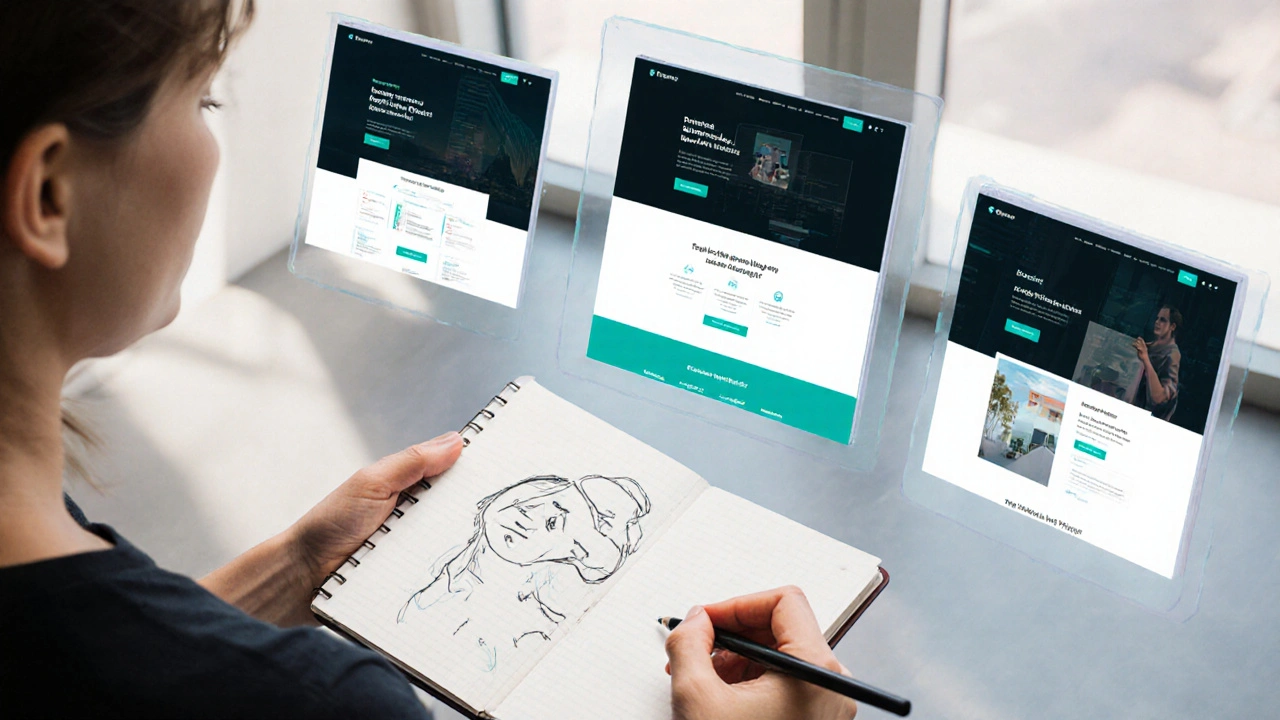
Ever tried explaining to a client that "I need more white space" or "the contrast isn’t accessible"? AI tools like Figma’s AI features, Uizard, and Webflow’s AI designer now do that for you. Upload a sketch, a screenshot, or even a rough idea in plain text, and the AI generates multiple layout options with proper spacing, typography, and color contrast.
One web designer in Melbourne told me she cut her design phase from three days to six hours. She’d give the AI three prompts: "modern SaaS landing page," "dark mode with teal accents," and "mobile-first, no stock photos." It spat out five variations. She tweaked one, handed it to the client, and got approval in 20 minutes.
These tools don’t replace creativity-they handle the repetitive stuff. Color schemes? Done. Font pairings? Sorted. Image alt text? Auto-generated. Accessibility checks? Running in the background. You focus on the story, not the spacing.
Debugging That Actually Works
Debugging is the worst part of coding. You stare at an error message for an hour, then realize you missed a semicolon. AI tools now scan your entire codebase and say: "This function breaks on iOS Safari because you’re using .flatMap() without a polyfill. Here’s the fix."
Tools like DeepCode and CodeSandbox’s AI debugger don’t just point out syntax errors. They catch logic flaws, security holes, performance bottlenecks, and cross-browser issues. One developer in Sydney used AI to fix a memory leak in a React app that had been haunting him for weeks. The AI flagged a forgotten event listener that kept re-rendering components. He fixed it in five minutes.
And it learns from you. The more you accept or reject suggestions, the better it gets at predicting your style. It starts sounding like you.
Content That Doesn’t Feel Robotic
AI-generated content used to be a nightmare. Generic, repetitive, full of fluff. But today’s models-like GPT-4o and Claude 3-can write blog posts, product descriptions, and even error messages that sound human.
Here’s how it works: You give it a tone, a word limit, and a target audience. "Write a 150-word hero section for a fitness app targeting busy parents. Tone: encouraging, not salesy. Avoid clichés like "transform your life."" The output? Something like: "Get 10-minute workouts that fit between school runs and dinner prep. No equipment. No guilt. Just results."
It’s not replacing copywriters. It’s giving them a first draft that’s 80% there. You polish it. You add your voice. You make it real.
Personalization Without the Headache
Imagine a website that changes based on who’s visiting. A student sees simplified navigation. A business owner sees pricing tiers. A returning user gets recommendations based on past clicks. That used to require complex backend logic, cookies, and A/B testing tools.
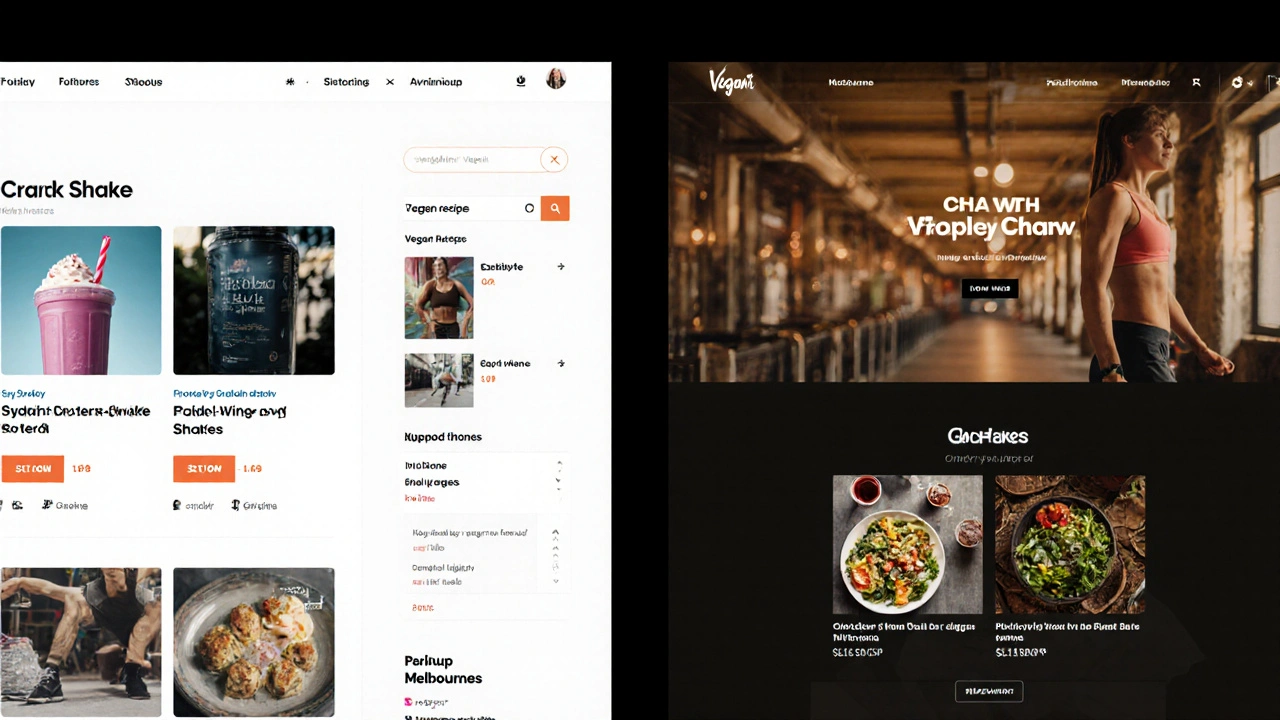
Now, AI does it automatically. Tools like Dynamic Yield and Adobe Sensei analyze behavior in real time and adjust layouts, content, and CTAs on the fly. A user from Melbourne who clicks on vegan recipes gets a different homepage than someone in Sydney who browses protein shakes. No manual segmentation needed.
You don’t need a data science team. You just need to plug in an AI personalization tool and let it learn. Within two weeks, conversion rates often jump 15-30% because the site feels like it was made for them.
Testing and Optimization Made Easy
Running A/B tests used to mean creating two versions of a page, waiting for traffic, then analyzing metrics over days. AI now predicts which version will perform better before you even launch it.
Tools like VWO’s AI optimizer and Unbounce’s Smart Traffic analyze your existing design, user behavior data, and industry benchmarks to recommend changes. "Change the CTA button to green. Move the form above the fold. Add a testimonial near the price."
One e-commerce site in Perth used AI to test 47 variations of their checkout page in 72 hours. The winning version increased conversions by 22%. They didn’t run a single manual test.
What AI Can’t Do (And What You Still Need)
AI won’t replace you. It can’t understand emotion, culture, or brand voice the way a human does. It doesn’t know why your startup’s logo uses a specific shade of blue because it reminds you of your grandfather’s workshop. It can’t feel the frustration of a user stuck on a form.
You still need to ask the right questions. You still need to judge whether an AI suggestion makes sense. You still need to care about accessibility, ethics, and user trust.
AI is a tool. Like a hammer. You wouldn’t build a house with just a hammer. You need a plan, skill, and judgment. AI gives you speed. You give it purpose.
Getting Started Today
You don’t need to be a tech expert. Start small:
- Install GitHub Copilot or CodeWhisperer in your editor. Let it suggest code as you type.
- Try Uizard or Figma’s AI design tools. Turn a scribble into a layout.
- Use ChatGPT or Claude to rewrite your site’s copy. Compare the AI version to your own.
- Run one page through an AI accessibility checker like AccessiBe or WAVE.
- Set up a free trial of a personalization tool like Dynamic Yield or Adobe Target.
Don’t try to automate everything. Pick one task that eats up your time-maybe writing alt text, fixing CSS bugs, or designing a button-and let AI handle it for a week. You’ll wonder how you ever worked without it.
Final Thought: The New Standard
In 2025, using AI in web development isn’t optional. It’s the baseline. The best developers aren’t the ones who code the fastest. They’re the ones who use AI to work smarter-focusing on creativity, strategy, and human connection while letting machines handle the grunt work.
If you’re not using AI yet, you’re not falling behind. You’re working in the past.
Can AI really replace web developers?
No. AI automates repetitive tasks like writing boilerplate code, generating layouts, or fixing common bugs-but it can’t replace human judgment, creativity, or understanding of user needs. The best web developers now use AI as a co-pilot, not a replacement. They focus on strategy, accessibility, ethics, and design decisions that require empathy and context.
Is AI-generated code safe to use in production?
It can be, but you must review it. AI can generate code with security flaws, outdated libraries, or licensing issues. Always check for known vulnerabilities using tools like Snyk or Dependabot. Never copy-paste AI output without understanding what it does. Treat AI code like a first draft-you edit it, test it, and verify it before deploying.
What’s the best AI tool for beginners in web design?
Start with Figma’s AI features or Uizard. Both let you sketch a layout or type a description, then generate a polished UI. They’re visual, intuitive, and don’t require coding. Once you’re comfortable, try GitHub Copilot for code assistance. These tools have free tiers, so you can test them without risk.
Does using AI make websites look generic?
Only if you use default prompts and never edit the output. AI gives you options, not final products. The key is to treat it as a brainstorming partner. Add your own style, tweak colors, change layouts, inject personality. The most unique websites today are built by humans who use AI to speed up the process-not replace it.
How much time can I save using AI in web development?
Most developers report saving 30-60% of their time on routine tasks. Writing HTML/CSS from scratch? Cut that by half. Debugging? Fix issues in minutes instead of hours. Designing layouts? Go from days to hours. One developer in Melbourne cut a two-week project down to five days using AI for coding, design, and copy. The time saved lets you focus on what matters: user experience and innovation.
Are there ethical concerns with using AI in web design?
Yes. AI can reinforce biases in color choices, imagery, or language if trained on skewed data. It might suggest layouts that exclude older users or people with disabilities. Always test for accessibility. Avoid using AI to generate fake testimonials or misleading content. Be transparent with clients: if AI helped build the site, say so. Ethics isn’t optional-it’s part of good design.