The Road to Becoming a Developer: A Comprehensive Programming Tutorial
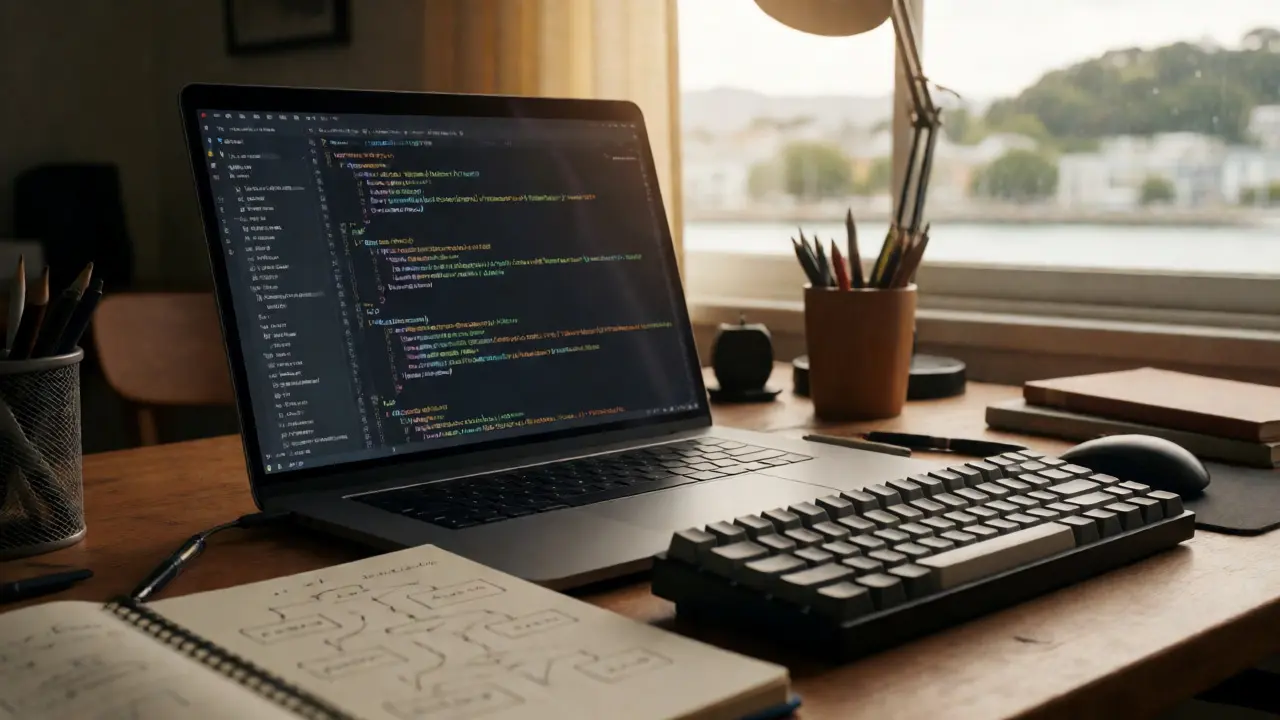
You don't need a computer science degree from Harvard to write code that actually works. I’ve seen plenty of self-taught developers in Wellington outperform CS grads because they focused on building things, not just memorizing syntax. The biggest myth holding people back is the idea that you need to know everything before you start. You don’t. You just need to start with one language and stick with it long enough to build something ugly but functional.
This guide strips away the noise. We aren't going to debate whether Rust is better than Go right now. That’s a rabbit hole for year three. Right now, your job is simple: pick a path, learn the basics, and ship your first project. Whether you want to build websites, analyze data, or automate boring tasks, the roadmap below covers the essential steps without the fluff.
Pick Your Lane: Web vs. Data vs. Apps
Most beginners freeze because they try to learn "programming" as if it’s one giant monolith. It isn’t. Programming is just a toolset, and different jobs require different tools. If you try to learn Python for data science while simultaneously trying to understand JavaScript for web browsers, you’ll burn out in two weeks. Pick one lane based on what you want to build.
- Web Development: This is the most common entry point. You see results instantly in your browser. You’ll use HTML for structure, CSS for style, and JavaScript for logic. If you like visual feedback and seeing your work immediately, start here.
- Data Science & AI: If you prefer numbers, charts, and solving puzzles, look at Python. It’s the king of data libraries like Pandas and NumPy. You won’t see pretty buttons, but you’ll see insights.
- Mobile/Apps: Want to make an app for your phone? Start with Swift (iOS) or Kotlin (Android). These are stricter languages but give you direct control over device features.
Here is a quick comparison to help you decide where to spend your first six months.
| Path | Primary Language | Best For | Time to First Project |
|---|---|---|---|
| Web Frontend | JavaScript | Visual creators, marketers | 2-4 weeks |
| Data Analysis | Python | Analysts, scientists, automators | 3-6 weeks |
| Backend Systems | Java or C# | Enterprise jobs, stability seekers | 8-12 weeks |
Mastering the Core Concepts (Not Just Syntax)
Once you pick a language, stop watching tutorials passively. Active recall beats passive watching every time. Syntax-the semicolons and brackets-is easy to Google. What matters is understanding the underlying logic. Every language shares these core concepts. If you understand them in Python, you can learn them in Java in a weekend.
Start with variables and data types. Think of variables as labeled boxes where you store information. In JavaScript, you might have a box named userName containing the text "Alice." In Python, it’s similar, but the rules about what goes inside the box are slightly looser. Understanding how data moves through your program is step one.
Next, tackle control flow. This is how your code makes decisions. Use if/else statements to branch paths. If the user is logged in, show the dashboard; else, show the login screen. Loops let you repeat tasks. Instead of writing ten lines to print "Hello," you write one loop that runs ten times. Mastering loops saves you from copy-paste hell.
Then there are functions. Functions are reusable chunks of code. If you find yourself copying and pasting the same block of code more than twice, turn it into a function. This keeps your code clean and makes debugging easier later. When you break, you only fix the function once, and it fixes everywhere.

The Toolbelt: Git, Terminal, and Editors
Coding isn’t just typing in a text editor. It’s managing files, versions, and environments. Many beginners ignore this until they crash their project. Don’t be that person. Learn the basics of your environment early.
First, get comfortable with the command line (Terminal on Mac/Linux, PowerShell or Command Prompt on Windows). You don’t need to be a hacker, but you should know how to navigate folders (cd), list files (ls or dir), and run scripts. It feels old-school, but it’s faster than clicking around folders when you’re deep in a project.
Second, learn Git. This is non-negotiable. Git is a version control system that tracks changes to your code. Think of it as a save game feature with history. If you mess up your code, you can rewind to yesterday’s version. Most companies require Git knowledge. Create a free account on GitHub and push your first project there. Even if it’s just a "Hello World" script, having commits proves you can manage code.
Finally, choose an editor. Visual Studio Code is the industry standard for a reason. It’s free, lightweight, and has extensions for almost everything. Install the Prettier extension so your code formats itself automatically. Trust me, fighting with indentation manually is a waste of brainpower.
Build Real Projects, Not Tutorials
Here is where most people quit. They finish a course, feel confident, then open a blank file and stare at it. Tutorial hell is real. The solution is to build projects that solve actual problems for you.
Don’t build a To-Do List app because everyone says to. Build something you actually need. Maybe you want to track your gym workouts? Build a simple script that logs reps and weights. Maybe you want to scrape prices from a website? Write a bot that checks if your favorite shoes are on sale. When you care about the outcome, you’ll push through the bugs.
Start small. A project should take you a weekend, not a month. Here are three starter ideas depending on your path:
- Web: A personal portfolio site with a contact form that sends an email.
- Data: A script that reads a CSV file of your bank transactions and categorizes spending by merchant.
- Automation: A script that renames all files in a folder based on the date they were created.
When you hit a bug-and you will-don’t panic. Debugging is 50% of the job. Learn to read error messages. They usually tell you exactly what went wrong. If you’re stuck, search the error message plus your language name on Stack Overflow. Chances are, someone asked the same question five years ago.

Soft Skills and Job Hunting
Writing code is only half the battle. Communicating about code is the other half. Developers rarely work alone. You’ll need to explain why you chose a certain approach or ask for help when you’re stuck. Practice explaining your code to a non-technical friend. If you can’t explain it simply, you don’t understand it well enough.
When you’re ready to apply for jobs, focus on your portfolio, not your resume keywords. Recruiters want to see proof you can build things. Link your GitHub profile at the top of your resume. Pin your best three projects. Make sure each project has a README file-a plain text document explaining what the project does, how to install it, and why you built it. A good README shows you care about documentation, which is a huge plus for junior devs.
Interviews often include technical challenges. Don’t stress about perfect solutions. Interviewers look for problem-solving processes. Talk through your thinking out loud. Say, "I’m considering using a hash map here for faster lookup, but let me check if memory usage is a concern." Showing your thought process is more valuable than silently writing perfect code.
Keep Learning Without Burning Out
Technology changes fast. New frameworks pop up every month. You don’t need to learn them all. Focus on fundamentals. If you understand how HTTP requests work, switching from Axios to Fetch is trivial. If you understand object-oriented programming, moving from Python to Java is manageable.
Set a routine. Consistency beats intensity. Coding for 30 minutes every day is better than cramming for eight hours on Sunday. Join communities. Reddit’s r/learnprogramming or local meetups in Wellington can keep you motivated. Ask questions. Everyone was a beginner once, and most senior devs love helping juniors who show effort.
Remember, becoming a developer isn’t a sprint. It’s a marathon with hills. Some days you’ll feel brilliant; others you’ll feel stupid. Both are normal. Keep building, keep breaking things, and keep fixing them. That’s the job.
How long does it take to become a hireable developer?
For most self-taught learners, it takes 6 to 12 months of consistent study (10-15 hours per week) to reach a junior-level competency. This assumes you are building projects, not just watching videos. Bootcamps can compress this to 3-6 months, but the workload is intense.
Is math required to become a programmer?
No, advanced calculus is rarely needed for web or general software development. Basic arithmetic and logical reasoning are essential. If you can follow a recipe or solve a Sudoku puzzle, you have the necessary mental framework for coding. Data science and machine learning roles do require stronger statistical and linear algebra skills.
Should I learn Python or JavaScript first?
Choose JavaScript if you want to build websites or apps quickly and see visual results. Choose Python if you are interested in data analysis, automation, or scientific computing. Both are beginner-friendly, but JavaScript runs in the browser, making setup easier for web goals, while Python requires installing an interpreter but offers simpler syntax for logic-heavy tasks.
Do I need a university degree to get a job?
Not necessarily. While some large corporations still prefer degrees, many startups and tech companies prioritize skills and portfolios. A strong GitHub profile with completed projects often outweighs a lack of formal education. However, a degree can help bypass HR filters in traditional industries.
What is the most important skill for a junior developer?
Problem decomposition. The ability to break a large, vague problem into small, manageable steps is more valuable than memorizing syntax. Also, communication skills are critical; being able to clearly explain blockers and progress helps teams move faster.