Python Tricks: Essential Techniques to Master Python Like a Pro
Most people think knowing Python means writing clean code. But the real pros? They write less code that does more. They don’t just use Python-they pythonize it. That’s the difference between writing a loop that runs 100 times and using a one-liner that does the same job in half the time, with zero extra effort.
Python is designed to be readable. But it’s also packed with hidden tools that turn average scripts into powerful, elegant solutions. You don’t need to be a computer scientist to use them. You just need to know where to look.
Unpack Everything with Star Expressions
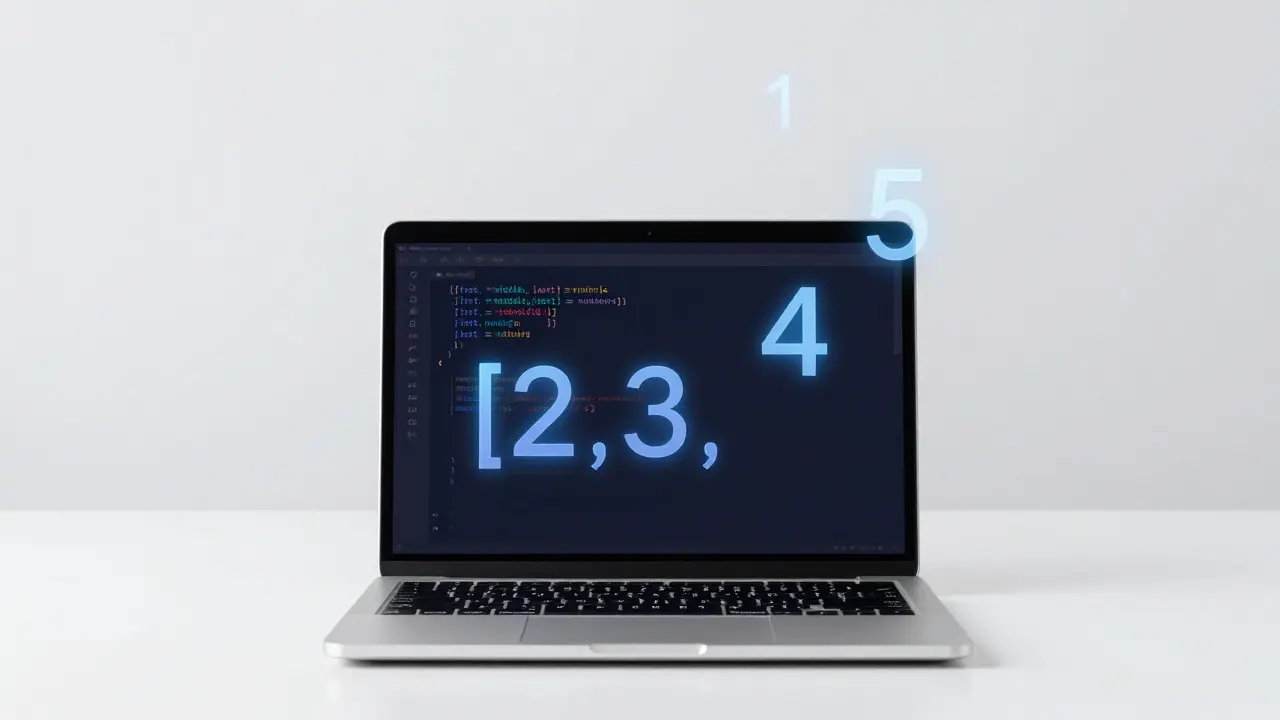
Imagine you have a list of numbers: [1, 2, 3, 4, 5]. You want the first value, the last value, and everything in between. Most beginners do this:
first = numbers[0]
last = numbers[-1]
middle = numbers[1:-1]
That’s four lines. Here’s the Python trick:
first, *middle, last = numbersOne line. No indexing. No slicing. Just clean, readable assignment. The star operator * collects all the middle values into a list. It works with tuples, strings, even function returns. Use it when you need to split data without knowing the exact size.
This isn’t just a shortcut-it’s a mindset shift. Stop thinking in terms of positions. Start thinking in terms of structure.
Use Walrus Operator for Cleaner Loops
Before Python 3.8, you’d write something like this to read lines from a file until you hit an empty one:
line = file.readline()
while line:
    process(line)
    line = file.readline()
Two calls to readline(). Redundant. Error-prone. The walrus operator := fixes that:
while line := file.readline():
    process(line)
It assigns AND checks in one step. No duplicate calls. No extra variable clutter. It’s perfect for loops where you need to evaluate and use a value at the same time-reading files, parsing API responses, processing streams.
People say it’s confusing. But once you’ve used it in three real scripts, you’ll wonder how you lived without it.
Default Dictionaries Save You From KeyErrors
Ever written this?
counts = {}
for item in items:
    if item in counts:
        counts[item] += 1
    else:
        counts[item] = 1
It works. But it’s noisy. The Pythonic way? Use collections.defaultdict:
from collections import defaultdict

counts = defaultdict(int)
for item in items:
    counts[item] += 1
No conditionals. No checks. Just increment. defaultdict(int) automatically creates a 0 for any new key. Same goes for defaultdict(list) when you’re grouping data.
It’s not magic. It’s just Python letting you focus on what matters: the logic, not the boilerplate.
Chain Comparisons Like a Human
In math, you write: 10 < x < 100. In many languages, you’d have to write:
x > 10 and x < 100Python lets you write it the way you think it:
10 < x < 100It works with any comparison operators: ==, >=, !=. You can chain five of them if you want. It’s not just syntax candy-it’s readability on steroids.
Try it next time you’re checking ranges: age limits, price brackets, temperature thresholds. It makes your code feel less like a machine and more like a thought.

Use Enumerate Instead of Range(len())
This is one of the most common beginner mistakes:
for i in range(len(items)):
    print(i, items[i])
It works. But it’s slow. And ugly. Python gives you enumerate():
for i, item in enumerate(items):
    print(i, item)
No indexing. No len(). No chance of off-by-one errors. And it’s faster because it avoids repeated list lookups.
Even better? You can start the counter at any number:
for i, item in enumerate(items, start=1):
    print(f"{i}. {item}")
Now your output looks like a numbered list. No extra math. Just clean, human-readable code.
Context Managers for Clean Resource Handling
Opening files? Connecting to databases? Locking threads? Always use with.
with open('data.txt', 'r') as f:
    content = f.read()
# File is automatically closed here
No f.close(). No try/finally. Python handles cleanup for you. Even if an error happens, the file closes.
You can build your own context managers with contextlib. For example, if you’re working with temporary files or network connections, write a small class with __enter__ and __exit__ methods. Then use it like a built-in.
This isn’t about saving lines. It’s about avoiding bugs. Resource leaks are silent killers. with kills them before they start.
Comprehensions Are Your Best Friend
Lists, sets, dictionaries-they all have comprehensions. They’re faster than loops and easier to read.
Instead of:
squares = []
for x in range(10):
    squares.append(x**2)
Write:
squares = [x**2 for x in range(10)]Same for sets:
unique_lengths = {len(word) for word in words}And dicts:
name_to_length = {name: len(name) for name in names}They’re not just shorter-they’re more expressive. You’re describing what you want, not how to build it.
Pro tip: If your comprehension has more than one if or nested loops, consider a regular loop. Readability beats cleverness.
Use __slots__ to Cut Memory Use
When you create thousands of objects-like user records, sensor readings, or game entities-Python’s default __dict__ eats memory. Each object stores its attributes in a dictionary. That’s slow and heavy.
Use __slots__ to fix it:
class Point:
    __slots__ = ['x', 'y']
    def __init__(self, x, y):
        self.x = x
        self.y = y
Now Python stores x and y in a fixed array, not a dict. Memory drops by 40-60%. Speed improves too. It’s perfect for data-heavy apps: simulations, data pipelines, embedded systems.
Downside? You can’t add new attributes dynamically. But if you know your structure upfront, this is a no-brainer.
Use functools.lru_cache to Avoid Repeating Work
Recursive functions, expensive calculations, API calls-any time you’re doing the same thing over and over, cache it.
from functools import lru_cache

@lru_cache(maxsize=128)
def fibonacci(n):
    if n < 2:
        return n
    return fibonacci(n-1) + fibonacci(n-2)
Without @lru_cache, calculating fibonacci(35) takes seconds. With it? Instant. It stores the last 128 results. If you call the same input again, it returns the cached value.
Use it for parsing, math, data fetching. Just don’t use it on functions with side effects or mutable arguments. It’s not a magic bullet-it’s a smart memoizer.
Combine Everything Into Real-World Scripts
Let’s say you’re processing log files. You need to count errors by type, ignore duplicates, and output a summary. Here’s how a pro would write it:
from collections import defaultdict
from functools import lru_cache

@lru_cache(maxsize=50)
def parse_timestamp(line):
    return line.split()[0]

error_counts = defaultdict(int)
unique_errors = set()

with open('app.log') as f:
    for line in f:
        if 'ERROR' in line:
            error_type = line.split(':')[1].strip()
            error_counts[error_type] += 1
            unique_errors.add(error_type)

for i, (error, count) in enumerate(sorted(error_counts.items(), key=lambda x: x[1], reverse=True), start=1):
    print(f"{i}. {error}: {count}")
That’s 12 lines. No imports beyond what’s needed. Uses comprehensions, context managers, defaultdict, lru_cache, and sorted with a lambda-all in one clean flow.
This isn’t “advanced Python.” It’s just Python used well.
Stop Learning New Syntax. Start Using What You Know.
There are hundreds of Python tricks out there. But you don’t need them all. You need the ones that make your code faster, cleaner, and less error-prone.
Master these:
- Star unpacking for splitting data
- Walrus operator for loops and assignments
- Defaultdict for counting and grouping
- Chained comparisons for ranges
- Enumerate instead of range(len())
- Context managers for resource safety
- Comprehensions for list/dict/set building
- __slots__ for memory-heavy objects
- lru_cache for repeated work
Use them every day. Not because they’re flashy. Because they make your code better.
Python doesn’t make you a guru. You do. By choosing clarity over cleverness. By writing less, but better. By trusting the language to handle the boring stuff so you can focus on what matters.
What’s the most important Python trick for beginners?
The most important trick is learning to use comprehensions and context managers. They’re the foundation of clean, readable Python. Comprehensions replace messy loops, and context managers prevent resource leaks. Master these two, and you’ll write better code in 90% of cases.
Are Python tricks faster than regular code?
Sometimes, but not always. The real benefit isn’t speed-it’s readability and reliability. For example, enumerate() is faster than range(len()), but lru_cache only helps if you’re repeating work. Use tricks to reduce bugs, not just to make code shorter.
Can I use Python tricks in production code?
Absolutely. The tricks listed here are part of Python’s standard library and have been used in production for years. Companies like Instagram, Dropbox, and Spotify rely on them. The only rule: don’t use obscure or unreadable tricks just to impress. Stick to the ones that make your team’s life easier.
Why do some developers hate the walrus operator?
It’s new, and it breaks the old rule of "one assignment per line." Some find it confusing at first. But once you use it in a real loop-like reading from a file or parsing API pages-you’ll see how much cleaner it makes your code. It’s not about style; it’s about reducing repetition and bugs.
Do I need to memorize all these tricks?
No. You don’t need to memorize them. You need to recognize when to use them. Keep a cheat sheet handy. Use them once in a script. Then again in the next. After three uses, they become second nature. Mastery comes from repetition, not memorization.