Programming Faster: The Skill That Sets You Apart in 2026
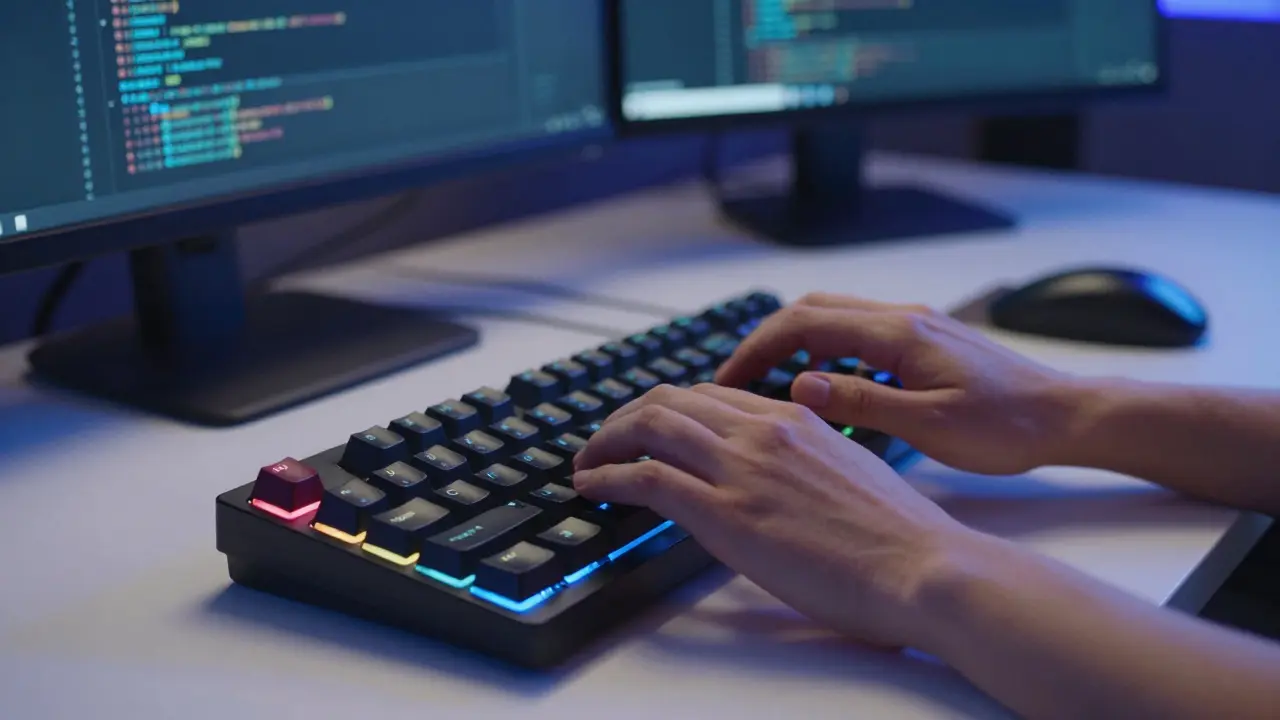
Most developers think typing speed is the bottleneck. It isn't. If you are hitting 80 words per minute, you are already fast enough to type code before your brain can process the logic. The real difference between a junior dev who struggles to finish tasks and a senior dev who crushes them lies in programming faster through cognitive efficiency, not finger dexterity.
I have spent years analyzing how top-tier engineers work in high-pressure environments. The secret isn't working longer hours; it is removing friction from every step of the development lifecycle. When you remove the tiny pauses caused by hunting for files, remembering syntax, or debugging preventable errors, those seconds compound into hours saved per week. This is the skill that sets you apart.
Is typing speed important for programming?
No. Once you reach about 40-50 words per minute, typing speed has negligible impact on coding output. Programming is a thinking task, not a transcription task. Focus on reducing context switches and improving mental model clarity instead.
The Myth of the Fast Typer
We often romanticize the hacker stereotype-the person whose fingers blur across the mechanical keyboard. But in reality, experienced developers spend more time reading code than writing it. A study by the Software Engineering Institute found that programmers spend roughly 70% of their time reading and understanding existing code, and only 30% writing new code.
If you focus solely on typing faster, you are optimizing the wrong part of the equation. Instead, ask yourself: How quickly can I navigate to the file I need? How fast can I recall the correct API method? How little do I have to move my hands from the home row?
True speed comes from flow state maintenance. Every time you break concentration to look up documentation, switch windows, or fix a typo caused by rushing, you lose momentum. The goal is to keep the brain engaged in problem-solving while the hands execute with minimal resistance.
Mastering Your IDE Shortcuts
Your Integrated Development Environment (IDE) is your cockpit. If you are using the mouse to navigate, refactor, or search, you are leaving massive amounts of productivity on the table. Keyboard shortcuts are the single highest-return investment you can make in your workflow.
Visual Studio Code is the most popular source-code editor built for extending and customizing. It supports thousands of extensions and has a robust keybinding system. However, the principles apply to IntelliJ, Eclipse, or Vim as well.Start with the basics. Learn how to:
- Open any file instantly using fuzzy search (Ctrl+P or Cmd+P).
- Go to definition (F12 or Ctrl+Click) to jump into libraries without opening new tabs.
- Rename symbols globally (Shift+F2) to update variable names across an entire project safely.
- Move lines up and down (Alt+Up/Down) to reorder code blocks without cutting and pasting.
Don't try to learn all 500 shortcuts at once. Pick five that you use daily. Use them until they become muscle memory. Then pick five more. Within a month, you will notice your hands rarely touch the mouse during a coding session.
The Power of Snippets and Templates
Repetition is the enemy of speed. If you find yourself writing the same boilerplate code-like React component structures, Python class definitions, or SQL query patterns-you should automate it immediately.
Code snippets allow you to trigger complex blocks of code with a few keystrokes. For example, in many editors, typing for and pressing Tab generates a full for-loop structure. You can create custom snippets for your specific needs.
| Category | Example Trigger | Generated Output |
|---|---|---|
| React Components | rcc |
Functional component with props and return statement |
| Python Classes | cls |
Class definition with __init__ method |
| SQL Queries | select |
SELECT * FROM table WHERE condition |
| API Endpoints | getapi |
Fully typed GET request handler with error handling |
Invest time in setting up these templates. It feels like extra work now, but it pays dividends every time you start a new feature. You are essentially outsourcing repetitive typing to your editor.
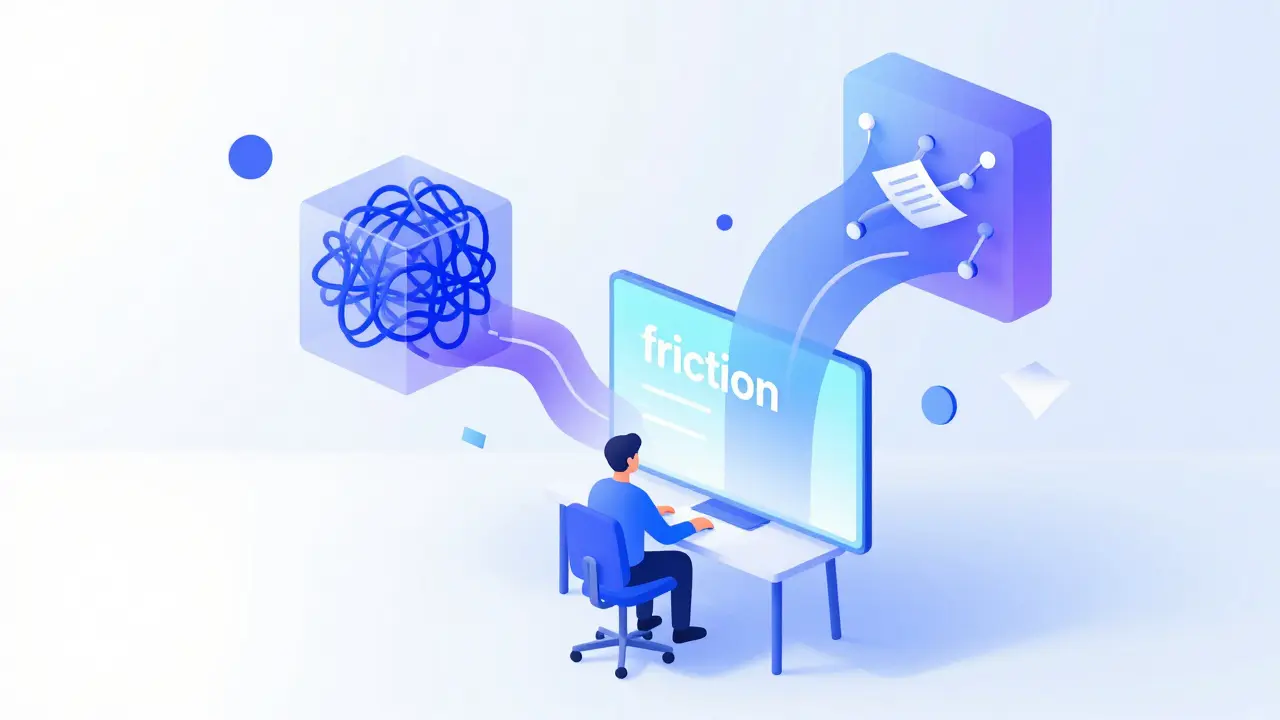
Reducing Context Switching
One of the biggest killers of programming speed is context switching. This happens when you jump between different tasks, such as answering Slack messages, checking email, or switching between unrelated projects.
Research shows that it takes an average of 23 minutes to fully regain focus after an interruption. If you get interrupted every 10 minutes, you are never actually in deep work mode. Your brain is constantly reloading the mental model of the codebase.
To program faster, protect your focus:
- Turn off non-essential notifications during coding sessions.
- Use browser extensions to block distracting websites during work hours.
- Batch communication tasks. Check Slack and email at set intervals rather than continuously.
- Keep related files open in tabs so you don't have to search for them later.
When you stay in the zone, your brain builds a stronger map of the application architecture. This leads to fewer bugs and faster decision-making because you understand how components interact without having to trace through the code repeatedly.
Debugging Efficiently
Debugging can consume half of your development time if done poorly. Many developers rely on print statements or console logs, which requires stopping the program, adding code, running it again, and then removing the logs. This cycle is slow and breaks flow.
Learn to use your IDE's debugger. Breakpoints allow you to pause execution at specific lines, inspect variable states, and step through code line-by-line. This gives you immediate insight into what is happening inside your application without cluttering your codebase.
Additionally, write tests early. Automated tests catch regressions before they become big problems. If you have a solid test suite, you can refactor code with confidence, knowing that if something breaks, the tests will tell you exactly where. This reduces the fear associated with making changes and allows you to move faster.
Leveraging AI Pair Programmers
In 2026, ignoring AI tools is like refusing to use a calculator for basic arithmetic. Tools like GitHub Copilot, Cursor, or Amazon CodeWhisperer can generate boilerplate, suggest completions, and even explain complex code snippets.
However, AI is not a replacement for understanding. It is a force multiplier. Use it to:
- Generate unit tests for existing functions.
- Convert pseudocode into actual implementation.
- Refactor legacy code into modern patterns.
- Explain error messages you don't understand.
The key is verification. Always review AI-generated code. Blindly accepting suggestions can introduce subtle bugs or security vulnerabilities. Treat AI as a junior developer who writes fast but needs supervision.

Building Mental Models
Speed also comes from knowledge. The more familiar you are with the frameworks, languages, and design patterns you use, the less time you spend looking things up. This doesn't mean memorizing every function signature. It means understanding the core concepts and where to find information quickly.
Create mental models for common architectures. For example, understand how data flows in a REST API versus GraphQL. Know the lifecycle of a React component. Understand dependency injection in Spring Boot. When you have these models, you can predict behavior and solve problems intuitively rather than experimentally.
Read other people's code. Open-source projects are goldmines for learning best practices. Seeing how experienced developers structure their applications helps you internalize good habits. Over time, this reduces the cognitive load required to make architectural decisions.
Physical Ergonomics Matter
You cannot program faster if you are tired or in pain. Poor ergonomics lead to fatigue, which slows down thinking and increases error rates. Invest in a comfortable chair, a proper desk height, and a keyboard that feels good to type on.
Take regular breaks. The Pomodoro Technique-working for 25 minutes and breaking for 5-is a simple way to maintain energy levels throughout the day. Stand up, stretch, and look away from the screen. This resets your attention span and prevents burnout.
Hydration and sleep also play critical roles. Dehydration causes brain fog, and lack of sleep impairs logical reasoning. Prioritize your health as part of your professional development strategy.
Measuring Your Progress
How do you know if you are getting faster? Track your metrics. Most version control systems provide insights into commit frequency and code volume. While lines of code is a flawed metric, trends over time can indicate improvements in velocity.
Also, measure cycle time. How long does it take from starting a task to deploying it? If this number decreases while quality remains high, you are becoming more efficient. Use project management tools like Jira or Trello to visualize bottlenecks.
Finally, solicit feedback from peers. Code reviews are not just for catching bugs; they are opportunities to learn better ways of doing things. Ask seniors how they approach certain problems. Their shortcuts and tricks might be exactly what you need to level up.
What is the best IDE for programming faster?
There is no single best IDE. Visual Studio Code is lightweight and highly customizable, making it great for web development. IntelliJ IDEA offers powerful refactoring tools for Java and Kotlin. Choose the one that fits your tech stack and invest time in mastering its shortcuts.
Does using AI tools make developers lazy?
Not if used correctly. AI handles tedious tasks, freeing you to focus on complex logic and architecture. However, relying on it without understanding the underlying code can lead to skill degradation. Always verify and comprehend AI-generated solutions.
How much time does it take to master keyboard shortcuts?
You can see significant improvements in 2-4 weeks by focusing on 5-10 essential shortcuts daily. Full mastery may take months, but the initial gains in speed and reduced frustration are immediate.
Is it better to code alone or in pairs for speed?
Pair programming often results in higher quality code with fewer bugs, which saves time in the long run. While it may feel slower initially due to communication overhead, the reduction in rework makes it a net positive for team velocity.
Can I improve my programming speed without changing my tools?
Yes. Improving your mental models, reducing context switching, and taking better care of your physical health can significantly boost productivity regardless of the tools you use. Tool mastery amplifies these effects.