Programming Faster: The Essential Guide for Successful Developers in 2026
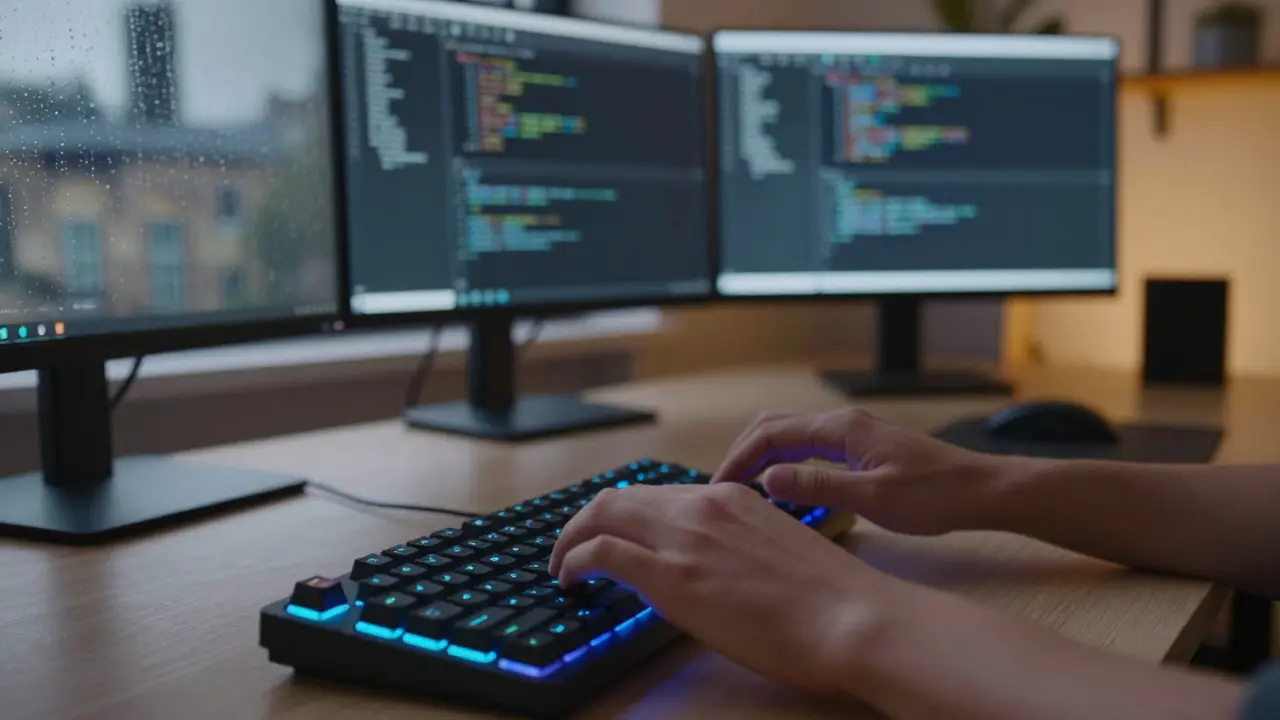
Speed isn't about typing like a machine gunner. It’s about thinking clearly and removing friction between your brain and the screen. In 2026, successful developers don’t just write code; they orchestrate tools that let them move at the speed of thought. If you’re still fighting with syntax errors or hunting for documentation, you’re leaving value on the table. This guide cuts through the noise to show you exactly how to accelerate your workflow without sacrificing quality.
The Myth of Typing Speed
We often confuse velocity with typing speed. But the fastest typists aren’t always the most productive programmers. Real speed comes from reducing cognitive load. When you spend ten minutes remembering the exact parameter order for a function, you’ve lost momentum. Cognitive Load Theory is a psychological concept explaining that working memory has limited capacity, so reducing unnecessary mental effort improves performance. By automating repetitive tasks and standardizing your environment, you free up brainpower for complex problem-solving.
Think about it: how much time do you spend configuring your editor versus writing actual logic? If the answer is more than five minutes a day, you have a leak in your pipeline. The goal is to make the mundane invisible. You want your development environment to feel like an extension of your mind, not a separate tool you have to negotiate with.
Mastering Your IDE Shortcuts
Your Integrated Development Environment (IDE) is your cockpit. If you’re using the mouse to navigate code, you’re driving with one hand tied behind your back. Keyboard shortcuts are the single highest-return investment for programming faster. They keep your hands on the home row and your eyes on the screen.
Start with the basics. Learn to refactor variables, jump to definitions, and search within files using only keys. Most modern IDEs like Visual Studio Code is a popular source-code editor developed by Microsoft that supports extensions and is widely used for web and cloud development allow you to customize these bindings. Spend one week learning the top twenty shortcuts for your specific editor. After that week, you’ll likely save hours per month. That’s money back in your pocket.
- Refactor Rename: Change a variable name everywhere instantly.
- Go to Definition: Jump directly to where a function is defined.
- Multi-Cursor Editing: Edit multiple lines simultaneously.
- Command Palette: Access any feature without navigating menus.
Leveraging AI Coding Assistants
In 2026, ignoring AI is like ignoring the internet in 1995. Tools like GitHub Copilot and Amazon CodeWhisperer are no longer novelties; they are essential partners. These AI Coding Assistants are software tools that use large language models to suggest code completions, generate functions, and explain existing code. They handle the boilerplate so you can focus on architecture.
Don’t just accept suggestions blindly. Treat AI as a junior developer who needs review. It might suggest a library that’s outdated or a pattern that doesn’t fit your security model. But for generating unit tests, writing regex patterns, or converting JSON to TypeScript interfaces, it’s incredibly fast. Use it to draft, then refine. This collaboration model can cut routine coding time by up to 40%.

Streamlining Your Local Environment
A slow local setup kills momentum. If starting your server takes thirty seconds, that adds up over hundreds of starts per year. Optimize your Docker containers and database connections. Use lightweight linters and formatters that run in the background without freezing your UI.
Consider using a terminal multiplexer like Tmux is a terminal multiplexer that allows users to switch conveniently between several programs in a single terminal. It lets you keep sessions alive even if your connection drops. Pair this with a fast shell like Zsh or Fish, and you’ll find yourself moving through command-line tasks with fluidity. Pre-configured dotfiles shared across machines ensure you never start from scratch when switching laptops.
| Tool Category | Example | Primary Benefit | Learning Curve |
|---|---|---|---|
| Code Editor | e.g., VS CodeExtensibility | Low | |
| Terminal Multiplexer | Tmux | Session Persistence | Medium |
| AI Assistant | GitHub Copilot | Boilerplate Reduction | Low |
| Version Control | Git | Collaboration Safety | High |
Writing Maintainable Code
Fast coding isn’t just about getting features out the door; it’s about making future changes easy. Technical debt accumulates like interest. If you write messy code today, you’ll pay for it tomorrow with slower debugging and refactoring times. Clean code principles-such as small functions, meaningful names, and single responsibility-are actually speed hacks for the long term.
When you name a variable `data`, you force every reader (including future you) to guess what it contains. Naming it `userSubscriptionDetails` takes two extra seconds now but saves minutes of confusion later. Invest in clarity. It pays dividends in reduced bug rates and faster onboarding for new team members.

Automating Repetitive Tasks
If you do something twice, automate it. Scripts for deployment, testing, and linting should be part of your daily workflow. CI/CD pipelines catch errors before they reach production, saving you from emergency hotfixes. Use pre-commit hooks to format code automatically. This ensures consistency without manual intervention.
Look at your weekly tasks. Are you manually copying data between systems? Writing the same test structure repeatedly? Create templates and scripts. A ten-minute script can save hours over a year. Automation is the ultimate leverage for individual developers.
Maintaining Focus and Energy
Programming is mentally exhausting. Context switching is expensive. Every notification, chat message, or meeting interruption breaks your flow state. Protect your deep work time. Use noise-canceling headphones, set status indicators, and batch communications. Work in focused sprints of ninety minutes, followed by short breaks. Your brain needs downtime to consolidate learning and solve complex problems subconsciously.
Physical health matters too. Sleep, exercise, and hydration directly impact cognitive performance. A tired developer makes more mistakes and fixes them slower. Prioritize your well-being as part of your professional toolkit. You can’t pour from an empty cup.
Continuous Learning and Adaptation
The tech landscape shifts rapidly. Frameworks rise and fall. Staying relevant requires continuous learning. Dedicate time each week to explore new libraries, read documentation, or experiment with emerging technologies. Join communities, attend meetups, and follow industry leaders. Knowledge compounds. The more you know, the faster you learn new things because you can connect them to existing mental models.
Don’t chase every shiny object. Focus on fundamentals. Algorithms, data structures, and system design principles remain constant regardless of the framework. Master these, and you’ll adapt to any new tool with ease. Depth beats breadth when building expertise.
Is it better to type fast or think slowly?
Thinking slowly is far more valuable. Fast typing without clear intent leads to bugs and refactoring. Take time to plan your solution, understand requirements, and design architecture. Once the plan is solid, execution becomes quick and accurate. Quality decisions upfront prevent costly rework later.
How much time should I spend learning shortcuts?
Invest one hour per week for the first month. Focus on the top twenty most-used commands in your IDE. After that, practice naturally during daily work. Consistency matters more than intensity. Over time, these actions become muscle memory, freeing up cognitive resources for complex tasks.
Can AI replace human developers?
No, AI augments humans. It handles repetitive coding tasks and suggests patterns, but it lacks contextual understanding, business judgment, and creative problem-solving skills. Developers who leverage AI effectively will outperform those who don’t, but the core value lies in human oversight and architectural decision-making.
What is the biggest mistake beginners make regarding speed?
They prioritize quantity over quality. Rushing to write code without planning leads to technical debt and bugs. Beginners should focus on writing clean, maintainable code first. Speed comes naturally with experience and better tooling. Sacrificing clarity for velocity hurts long-term productivity.
How do I reduce context switching?
Block out uninterrupted time slots for deep work. Turn off non-essential notifications. Use apps that limit social media access during work hours. Communicate your availability to colleagues. Batch meetings together to preserve large chunks of focused time. Protecting attention is key to sustained productivity.