Programming Faster: How to Ship Code Faster Without Burning Out
Most developers think programming faster means typing more, working longer, or drinking more coffee. That’s not it. The real secret isn’t about speed-it’s about reducing friction. The fastest programmers aren’t the ones who type the fastest. They’re the ones who spend the least time stuck.
Stop coding. Start planning.
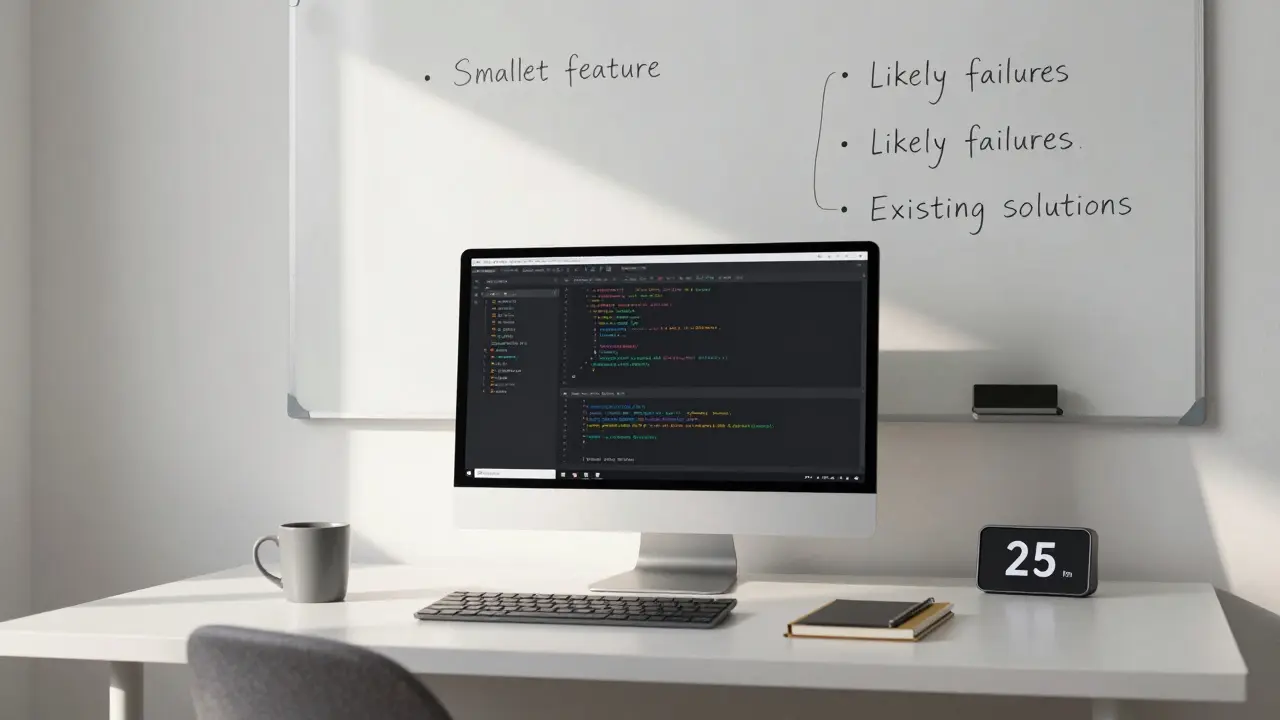
You’ve probably heard this before: "Plan before you code." But most people treat planning like a formality-write a quick bullet list, then jump in. That’s not planning. That’s hoping. Real planning means answering three questions before you touch the keyboard:- What’s the smallest version of this feature that still delivers value?
- What are the three most likely things that could go wrong?
- What existing code or library already does half of this?
Build in small, testable chunks
Writing 500 lines of code in one go feels productive. It’s not. It’s risky. The fastest developers work in 15- to 30-minute cycles: write a tiny piece, run it, check it, move on. If something breaks, it’s easy to find. If it works, you’ve got a win. Momentum builds. This is how professional teams ship updates daily. Not because they’re geniuses. Because they avoid big, scary merges. They break problems into pieces small enough to test in under a minute. Try this tomorrow: pick one small task. Set a timer for 25 minutes. Write only enough code to make it do one thing. Run it. Then stop. Don’t keep going. That pause is where speed is born.Master your tools-don’t let them master you
A carpenter doesn’t blame the hammer when the nail bends. They check if they’re using the right one. Most developers waste hours because they don’t know their tools. Not because they’re bad at coding. Because they don’t know how to use their editor, terminal, or debugger effectively. Here’s what actually matters:- Keyboard shortcuts for your IDE (jump to definition, refactor, search across files)
- Terminal aliases for common commands (like
alias gs="git status") - Debugging with breakpoints instead of console.log()
- Using linters and formatters to auto-fix style issues
Reuse. Don’t rebuild.
There’s a myth that writing everything from scratch makes you a better programmer. It doesn’t. It makes you slower. The best developers are scavengers. They look for existing code-open source libraries, internal tools, past projects-and ask: "Can I adapt this?" A friend of mine needed a file uploader for a client project. Instead of building one, he found a lightweight React library on GitHub with 2,000 stars and 80% of the features he needed. He spent 4 hours customizing it. If he’d built it from scratch? 3 days. Don’t be afraid to use libraries. Be afraid of reinventing wheels that already have traction.Automate the boring stuff
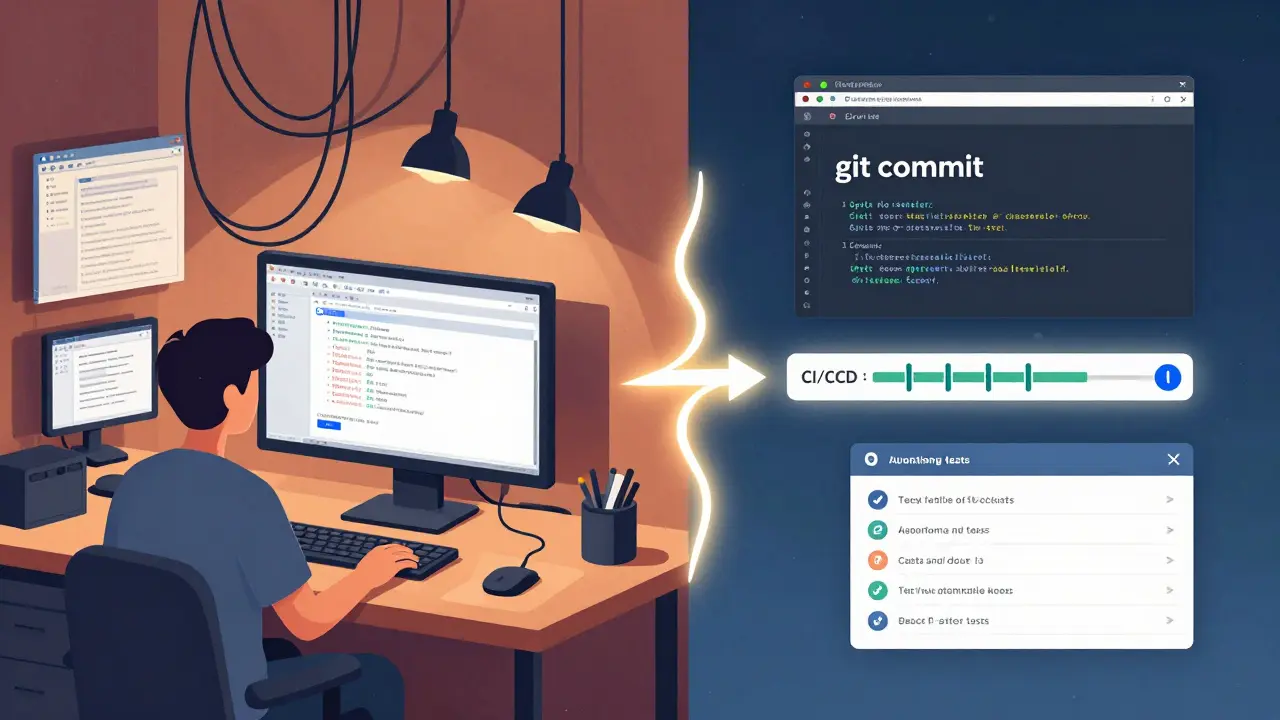
If you do something more than twice, automate it. That means:- Setting up git hooks to run tests before commits
- Writing scripts to generate boilerplate code (like new component templates)
- Using CI/CD to auto-deploy when you push to main
Know when to walk away
The biggest speed killer? Staring at a bug for hours. I used to think persistence meant grinding until it worked. I was wrong. Persistence means knowing when to step away. Studies show that after 90 minutes of intense focus, your brain’s ability to solve complex problems drops sharply. That’s why the best developers take breaks. Not because they’re lazy. Because they’re smart. If you’re stuck on a bug for more than 45 minutes, stop. Go for a walk. Make tea. Look at something else. Come back in 20 minutes. You’ll almost always see the fix faster. This isn’t magic. It’s neuroscience. Your subconscious keeps working while you rest.
Track your time-honestly
You can’t improve what you don’t measure. Start tracking how you spend your coding time for one week. Use a free tool like Toggl or even a simple spreadsheet. Categorize your time:- Writing new code
- Debugging
- Waiting for builds or tests
- Meetings
- Reading docs
Speed isn’t about hours. It’s about focus.
The fastest developers don’t work more hours. They work with fewer distractions. Turn off Slack notifications during deep work blocks. Use Focus Mode in your OS. Close your email tab. Silence your phone. A 90-minute focused session is worth three hours of interrupted work. I’ve seen teams double their output just by enforcing no-meeting Wednesdays. Speed isn’t about how fast you type. It’s about how little you get pulled away from the flow.What gets measured gets improved
Track your cycle time: from when you start a task to when it’s deployed. Aim to reduce it by 10% every two weeks. That’s it. No magic. No hacks. Just small, consistent improvements. The tech industry doesn’t reward the fastest typist. It rewards the person who ships the most reliable code, in the least amount of time, with the fewest headaches. You don’t need to be a genius. You just need to remove the noise.Does coding faster mean working longer hours?
No. Coding faster means working smarter. The most productive developers often work fewer hours because they eliminate waste-like unnecessary meetings, manual deployments, and repetitive debugging. Speed comes from focus and flow, not burnout.
Is it better to write code from scratch or use a library?
Use a library unless you have a specific reason not to. Libraries are tested by thousands of developers. Building something from scratch might teach you something, but it rarely saves time. The goal isn’t to prove you can code-it’s to deliver value.
How do I stop getting distracted while coding?
Turn off notifications, use apps like Focus To-Do or Freedom to block distracting sites, and schedule deep work blocks. Tell your team you’re unavailable during those times. Even 90 minutes of uninterrupted focus can move a project forward more than five hours of scattered effort.
Should I learn more programming languages to code faster?
Not necessarily. Knowing more languages doesn’t make you faster. Knowing your tools, your workflow, and how to debug efficiently does. Master one language and its ecosystem deeply before adding another. Depth beats breadth when it comes to speed.
What’s the biggest mistake new developers make when trying to code faster?
They try to write more code instead of writing less of the right code. The fastest developers write fewer lines because they reuse, automate, and plan. They don’t solve problems by typing harder-they solve them by thinking smarter.
If you want to code faster, stop chasing speed. Start removing friction. Plan before you type. Break tasks into tiny pieces. Automate the repetitive. Walk away when you’re stuck. Measure where your time goes. And most of all-stop trying to impress. Just ship.