Embrace the Future with These AI Tricks That Actually Work

Most people think AI is something you need a degree in computer science to use. That’s not true anymore. AI isn’t just for tech giants or researchers-it’s in your phone, your email, your calendar, and even your grocery list. The real trick isn’t having the latest AI model. It’s knowing which tricks actually save you time, reduce stress, and make you better at your job-without needing to code a single line.
Use AI to Write Emails That Sound Like You
Ever spent 20 minutes rewriting an email just to sound professional? You don’t need to. Tools like Gmail’s Smart Compose, Notion AI, or even free versions of Claude or ChatGPT can turn your rough draft into a polished message. But here’s the catch: don’t let AI write it all for you. Type the first line yourself-something casual, like “Hey, just checking in about the project.” Then let AI finish it. It learns your tone. After a few tries, it starts matching your style: whether you’re formal, funny, or blunt. I’ve seen people cut their email time by 60% using this trick. And no, your boss won’t know it’s AI. They’ll just think you’ve gotten faster.
Turn Meetings Into Notes-Automatically
Meetings are time sinks. Even the good ones. Instead of scribbling notes or hoping your memory holds up, use Otter.ai or Fireflies.ai. These tools join your Zoom, Teams, or Google Meet calls and turn speech into text in real time. But the magic isn’t just the transcript. They highlight action items, assign owners, and even summarize key decisions. One marketing manager I know uses this to auto-generate follow-up emails. After every call, she clicks “Generate Summary,” copies the bullet points, and sends them out in under a minute. No more “Wait, what did we decide?” emails. The AI doesn’t replace you-it replaces the busywork.
Automate Your Digital Clutter
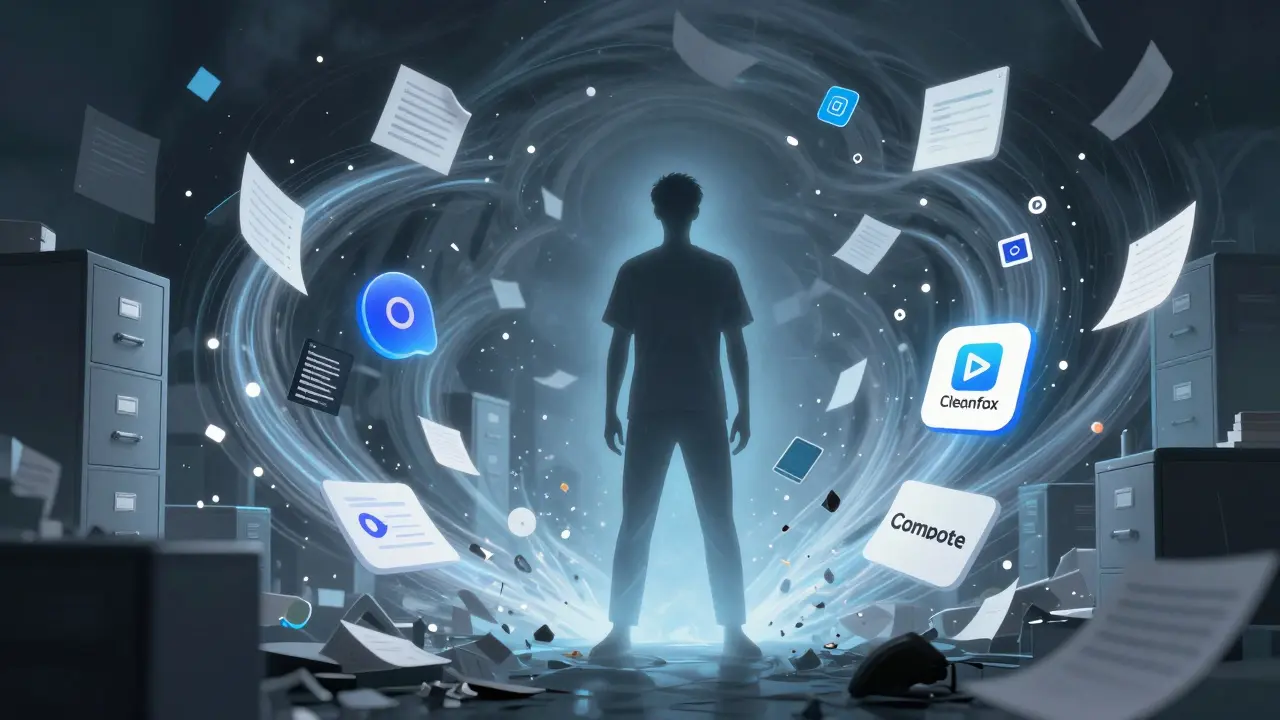
Your desktop is a mess. Your downloads folder has 877 files. Your inbox is at 2,400 unread. AI can fix this-without you lifting a finger. Tools like Cleanfox and Unroll.me scan your inbox and auto-unsubscribe you from newsletters you haven’t opened in six months. On your computer, AI-powered cleaners like CleanMyMac or DaisyDisk show you exactly what’s taking up space-not just big files, but duplicate screenshots, cache files, and old installers you forgot about. One user cleared 47 GB off their laptop in 12 minutes just by letting AI find the digital junk. You wouldn’t let your kitchen sink overflow. Why tolerate digital clutter?
AI That Learns Your Work Habits
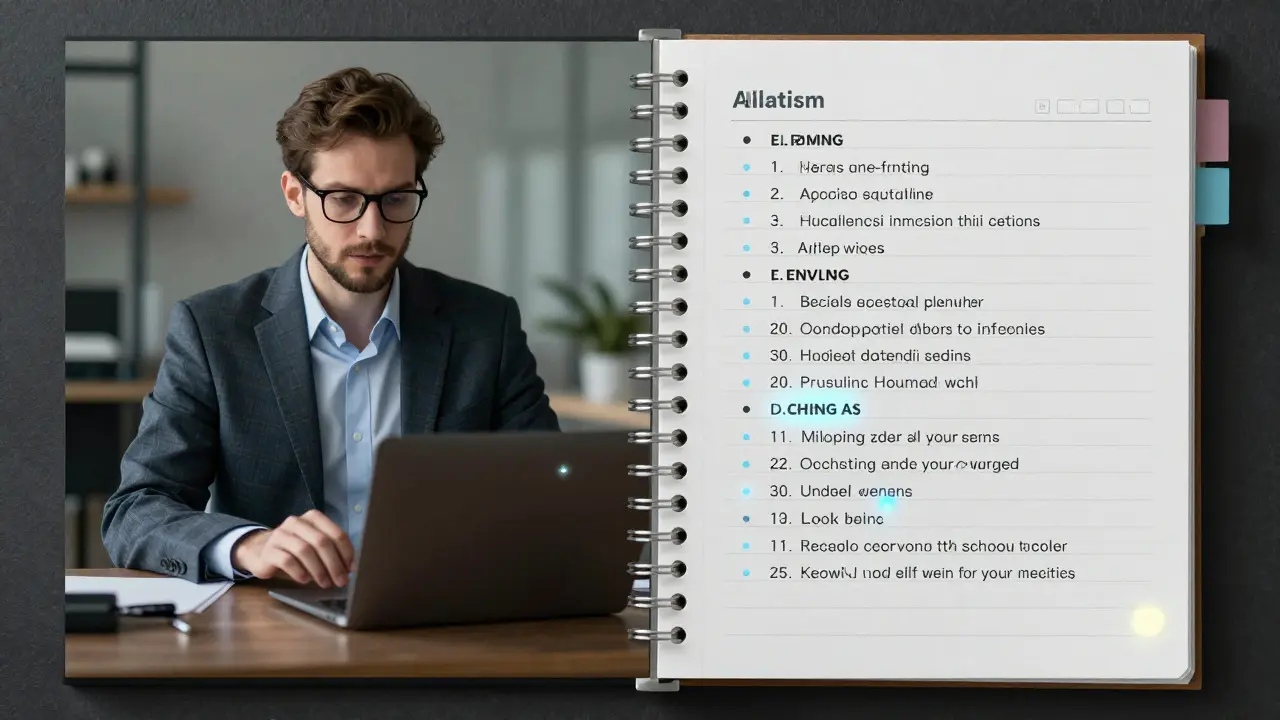
Not all AI is loud or flashy. Some is quiet-and smarter for it. Apps like Motion and Reclaim.ai watch your calendar and work patterns. They notice you’re most focused between 9 and 11 a.m., so they block that time for deep work. They see you always schedule calls on Tuesdays, so they auto-reschedule conflicting meetings to Thursdays. They even suggest when to take breaks based on your past productivity. One software developer used this to stop working past 7 p.m. without missing deadlines. The AI didn’t force him to change. It just made the better choice easier.
Get Better Answers by Asking Better Questions
Most people treat AI like Google. They type “How do I write a resume?” and get a generic template. That’s useless. The real trick is asking like a pro. Instead of “How do I write a resume?” try: “I’m applying for a senior data analyst role at a fintech startup. I have 5 years in banking analytics and I led a team of 3. Help me write a resume that highlights my leadership and shows I understand fintech risk models.” Now you’re not asking for a template-you’re asking for a tailored strategy. The AI gives you a structure, keywords, and even phrasing that passes ATS systems. This trick works for cover letters, LinkedIn posts, even project proposals. The better your question, the more valuable the answer.
Use AI to Learn Faster-Without Taking a Course
You want to learn Python? Or Excel macros? Or how to read financial statements? Don’t sign up for a 6-week course. Use AI as your personal tutor. Ask: “Explain how pivot tables work like I’m 15.” Then ask: “Give me a real-world example from retail sales data.” Then: “Now make me a practice exercise with fake numbers.” AI adapts. It doesn’t just give you theory-it gives you context, examples, and quizzes. One teacher used this to help her students understand calculus by turning equations into basketball stats. They got it faster than with any textbook. The key? Keep asking follow-ups. AI remembers the conversation. It’s like having a tutor who never gets tired.
Stop Guessing What to Work On Next
Every day, you have 10 tasks. You don’t know which one to start. AI can help. Tools like Todoist with AI or Notion’s AI assistant can analyze your past tasks, deadlines, and priorities. They look at what you’ve completed, what’s overdue, and what’s been sitting for weeks. Then they suggest: “Do Task A first-it’s urgent and only takes 15 minutes. That’ll give you momentum.” Or: “You’ve been avoiding Task B for 11 days. It’s blocking three other items. Let’s break it into two smaller steps.” This isn’t about being controlled by an app. It’s about using AI to cut through the noise. You still decide. But now you’re deciding from clarity, not chaos.
AI Doesn’t Replace You-It Amplifies You
The biggest mistake people make is thinking AI is here to replace them. It’s not. It’s here to replace the parts of your job that are boring, repetitive, and draining. The parts that make you dread Mondays. The parts that steal your energy so you have nothing left for the things you actually care about. The real future belongs to people who use AI to do more of what makes them human: thinking creatively, solving hard problems, connecting with others. Not typing emails. Not organizing files. Not remembering every meeting detail. That’s the trick. Stop trying to do everything. Let AI handle the background noise. Then focus on what only you can do.
Do I need to pay for AI tools to use these tricks?
No. Many of the most powerful AI tricks work with free tools. Gmail’s Smart Compose, Otter.ai’s free tier, Notion’s AI basics, and ChatGPT’s free version are all enough to start. You don’t need expensive software to save hours. Paying unlocks more features, but the core benefits-like automating emails, cleaning your inbox, or summarizing meetings-are free today.
Can AI make me lazy?
Only if you let it. AI doesn’t replace effort-it replaces drudgery. If you use it to avoid thinking, yes, you’ll get lazy. But if you use it to free up mental space so you can focus on creative work, problem-solving, or relationships, you’ll become sharper. Think of it like a car: you don’t walk everywhere, but you still need to steer. AI is the engine, not the driver.
Are these AI tricks safe for my data?
It depends on the tool. Never paste sensitive client data, passwords, or internal financial info into public AI chatbots. Stick to trusted platforms like Notion, Microsoft Copilot (if you’re on Microsoft 365), or Google’s AI tools if you’re using Workspace. These are designed for business use and encrypt your data. For personal use, tools like Cleanfox and Unroll.me are privacy-focused and don’t store your content long-term. Always check a tool’s privacy policy before using it.
How long does it take to see results?
You can start seeing results in under 10 minutes. Try the email trick: write one draft, let AI polish it, send it. That’s one less hour of stress today. The meeting summary tool? Use it once, and you’ll never take manual notes again. The real change isn’t overnight-it’s cumulative. Do one AI trick daily, and in two weeks, you’ll wonder how you ever worked without it.
What if AI gives me the wrong answer?
AI isn’t perfect. It can hallucinate facts, misread context, or give generic advice. That’s why you’re still in charge. Always fact-check critical info. If AI says “Python is the fastest programming language,” verify it. If it suggests a resume line that sounds off, rewrite it. Think of AI as a smart intern-you still need to review their work. The goal isn’t blind trust. It’s smart collaboration.
Start Small. Stay Consistent.
You don’t need to master every AI tool at once. Pick one trick-maybe email rewriting or meeting summaries-and use it for a week. Notice how much time you get back. Then add another. In a month, you’ll be doing what most people think is impossible: working less, but getting more done. The future isn’t about being the smartest person in the room. It’s about being the one who uses the right tools to make the most of your time, energy, and mind.