Demystifying AI: Simple Tips and Tricks for Beginners
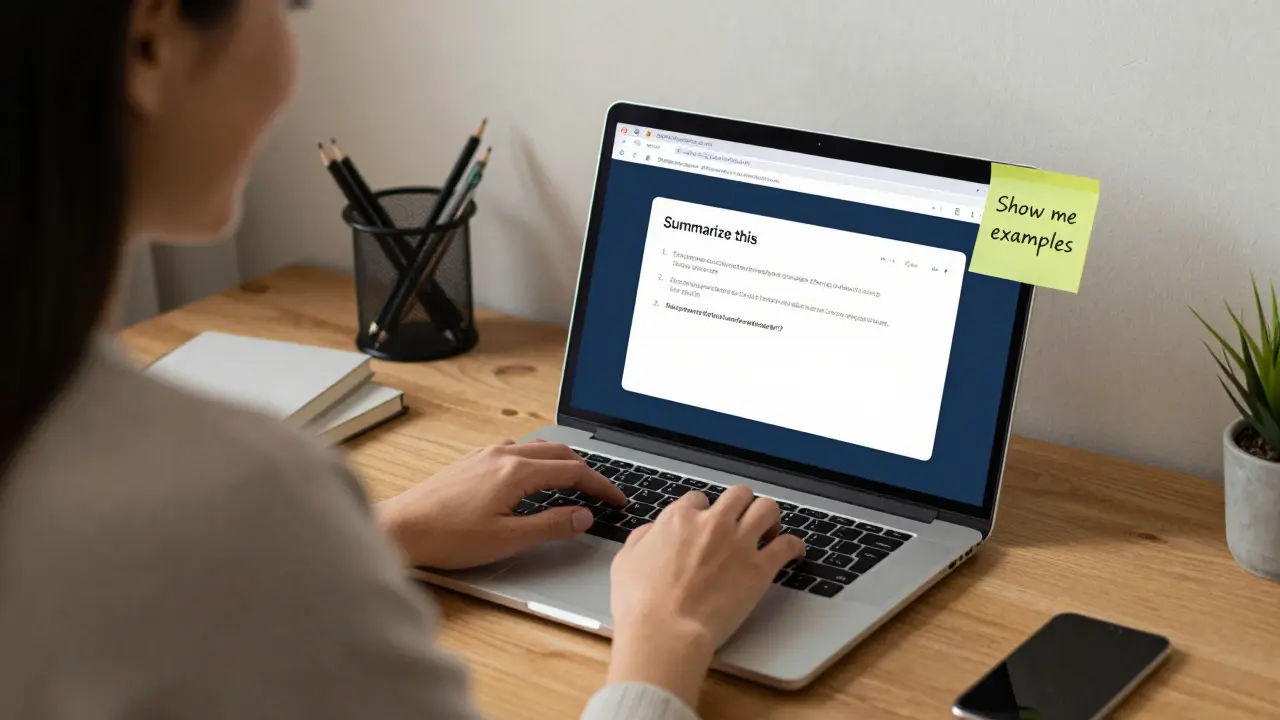
AI doesn’t have to be scary or complicated. If you’re just starting out, you might think you need a PhD in math or years of coding experience to even begin. That’s not true. Millions of people use AI every day-without writing a single line of code. You can too.
Start with what you already use
You’ve probably used AI already and didn’t even realize it. When you ask Siri or Alexa a question, when YouTube recommends a video you didn’t search for, when your phone auto-corrects your typos-that’s AI at work. You don’t need to build it to use it. Start by exploring tools you already have access to.
Try asking ChatGPT or Gemini to summarize a long article you’re reading. Or use Google’s AI-powered search to find answers faster. Use Canva’s AI image generator to create social media graphics. These aren’t advanced tools-they’re built into apps you already use. The goal isn’t to understand how they work yet. It’s to get comfortable with what they can do.
Use free, no-code tools first
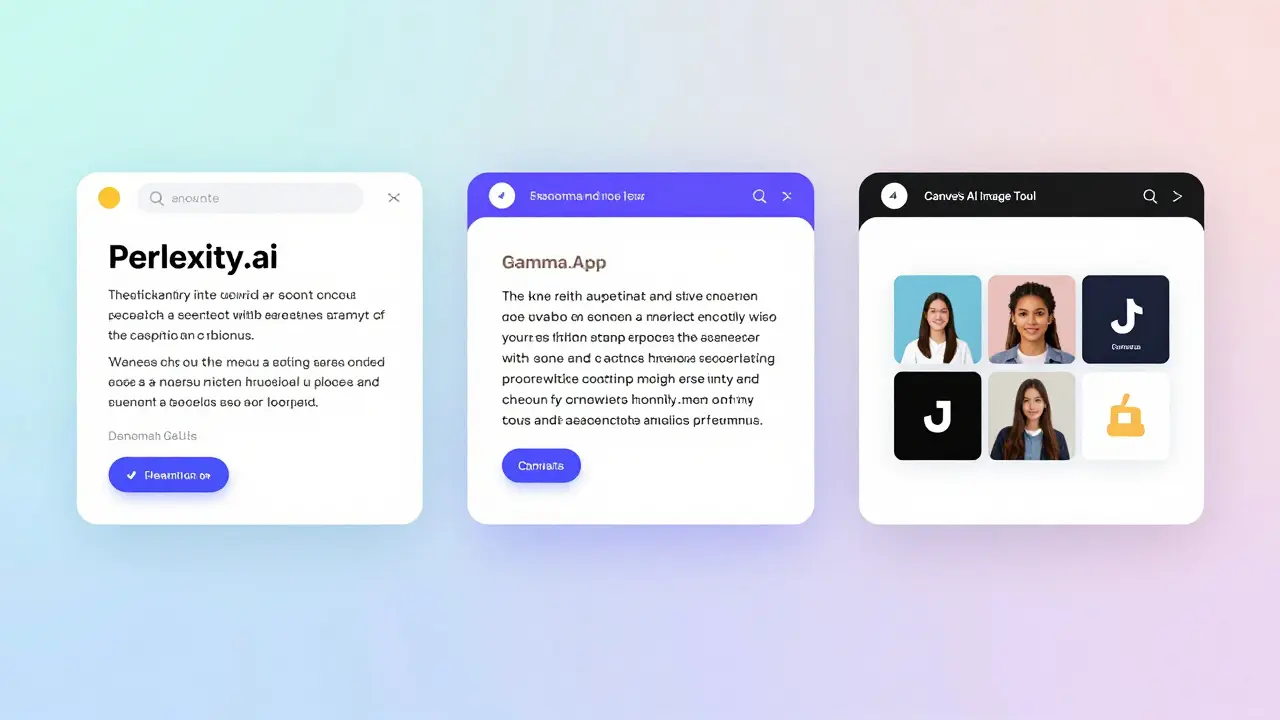
Before you touch Python or TensorFlow, try tools that need zero coding. Here are three that work right in your browser:
- ChatGPT (by OpenAI): Ask it to explain things in simple terms. Try: “Explain how a neural network works like I’m 12.”
- Perplexity.ai: It doesn’t just guess answers-it shows you where it got them. Great for checking facts.
- Gamma.app: Type a topic, and it turns it into a presentation in seconds. No design skills needed.
These tools let you see AI in action without learning syntax or installing software. You’ll start noticing patterns: what kinds of questions get better answers, how to phrase requests clearly, when AI makes mistakes. That’s real learning.
Ask better questions
AI isn’t a magic box. It responds to how you ask. Most beginners get poor results because they ask vague questions. Instead of “Tell me about AI,” try:
- “What are the top 3 things I should know about AI as a beginner?”
- “Explain how AI generates images, step by step, with an example.”
- “Give me 5 real-world examples of AI helping small businesses.”
Adding context, asking for steps, or requesting examples makes a huge difference. Think of AI like a smart intern-you need to give it clear instructions. The more specific you are, the better the output.
Don’t trust everything it says
AI can sound convincing even when it’s wrong. It doesn’t know facts-it predicts likely patterns. That means it can make up fake studies, invent names, or give outdated stats.
Always double-check important info. If AI says “A 2025 study from Harvard found...”, search for that study yourself. Look for the original source. If you can’t find it, it’s probably made up. This is called “hallucination” in AI terms. It’s common. Don’t panic-just stay skeptical.
Pro tip: Ask AI to cite sources. Say: “Can you list the sources for this information?” If it can’t, you know to dig deeper.
Learn one thing at a time
There are hundreds of AI tools out there. You don’t need to try them all. Pick one area that matters to you and explore it deeply:
- If you write a lot? Try AI writing assistants like Grammarly or Claude.
- If you’re into images? Play with DALL·E, Midjourney, or Leonardo.ai.
- If you’re a student? Use AI to summarize textbooks or quiz yourself.
- If you manage projects? Try Notion AI to organize tasks or write meeting notes.
Focus on one use case for two weeks. Master how to prompt it well. Notice what it’s good at-and what it’s bad at. That’s more valuable than skimming ten tools.
Keep a prompt journal
Start a simple document (Google Docs, Notion, even a notebook) where you save prompts that worked well. Include:
- What you asked
- What you got back
- What you changed to make it better
Example:
Prompt: “Write a 300-word summary of the article on AI ethics.”
Result: Too general, missed key points.
Improved: “Summarize the article ‘AI Ethics: Bias in Facial Recognition’ in 300 words. Focus on racial bias, data sources, and proposed solutions.”
Result: Perfect. Used this for my class presentation.
Over time, this becomes your personal cheat sheet. You’ll stop guessing and start repeating what works.
Use AI to learn, not to replace thinking
AI is a powerful assistant-but it’s not a replacement for your brain. The best users don’t just copy AI answers. They use them as a starting point.
For example:
- AI writes a draft of your email? Edit it. Add your voice. Fix the tone.
- AI explains a concept? Try explaining it back to yourself out loud.
- AI generates an image? Ask yourself: “Why did it choose those colors? What’s missing?”
This active engagement turns AI from a tool into a teacher. You’re not just consuming answers-you’re building understanding.

Set boundaries
AI can be addictive. It’s fun to get quick answers. But overusing it can make you lazy. Set limits:
- Use AI for research, not for writing your entire essay.
- Don’t let it make decisions for you-like choosing a career path or relationship advice.
- Take breaks. Spend 30 minutes a day away from screens and think without AI.
AI should help you think better, not think for you.
Join a beginner community
You don’t need to learn alone. Look for Reddit threads like r/learnAI or Discord servers for AI beginners. Ask questions. Share your wins-even small ones.
One person posted: “I used AI to write my first cover letter. Got the job.” That’s huge. Celebrate those moments. They build confidence.
Communities help you see that everyone starts somewhere. You’re not behind. You’re just getting started.
What to avoid as a beginner
Here are three common mistakes to skip:
- Trying to learn Python first-You don’t need to code to use AI. Save programming for later.
- Buying expensive courses-Free resources like YouTube, Google’s AI tutorials, and Coursera’s audit mode are enough to start.
- Comparing yourself to experts-They’ve been at this for years. You’re just beginning. Progress, not perfection.
The goal isn’t to become an AI engineer. It’s to use AI to make your life easier, your work better, and your learning faster.
Final thought: AI is a mirror
What you get out of AI depends on what you put in. If you ask shallow questions, you’ll get shallow answers. If you think critically, ask follow-ups, and stay curious-you’ll unlock real value.
You don’t need to understand how AI works to use it well. You just need to be willing to try, tweak, and keep going.
Do I need to know how to code to use AI?
No. You can use AI effectively without writing any code. Tools like ChatGPT, Canva, Notion, and Google’s AI features work through simple text prompts. Coding helps if you want to build custom AI systems, but most people use AI as a tool-not a programmer.
What’s the best AI tool for beginners?
Start with ChatGPT or Gemini. They’re free, easy to use, and respond to natural language. Use them to summarize articles, explain concepts, or brainstorm ideas. Once you’re comfortable, try specialized tools like Perplexity for research or Gamma for presentations.
Can AI replace my job?
AI won’t replace you-but someone using AI might. The goal isn’t to fight AI. It’s to learn how to use it to do your job better. For example, a writer using AI to draft content can focus more on editing and creativity. A marketer can use AI to analyze data faster and spend more time on strategy.
Why does AI sometimes give wrong answers?
AI predicts what words are likely to come next, based on patterns in its training data. It doesn’t understand facts the way humans do. So it can invent false information, cite non-existent sources, or mix up dates. Always verify critical facts with trusted sources like official websites, academic papers, or news outlets.
How long does it take to get good at using AI?
You can start seeing real benefits in a week. Try using AI for one task daily-like summarizing emails or generating ideas for a project. After two weeks, you’ll notice you’re asking better questions and getting more useful results. Mastery comes with consistent, thoughtful use-not speed.