Coding for AI: Essential Skills for the Next Generation of Tech Talent

When you hear "AI," you probably think of self-driving cars, chatbots that sound human, or robots doing your chores. But behind every one of those miracles is a line of code-written by someone who knew how to talk to machines in a language they understand. Coding for AI isn’t just a niche skill anymore. It’s the new literacy for anyone who wants to build, shape, or even just understand the tech shaping our world.
Why Coding for AI Is Different From Regular Programming
Writing code for a website or an app is like building a house with a blueprint. You follow rules, plug in components, and hope everything works. Coding for AI is more like teaching a child to recognize cats. You don’t give it step-by-step instructions. You show it thousands of cat pictures and let it figure out the pattern. That’s machine learning. And to do that, you need to speak a different language.
Traditional programming is deterministic: if A, then B. AI programming is probabilistic: if A, B is 87% likely. That shift changes everything. You’re not just writing logic-you’re designing systems that learn from data, make guesses, and improve over time. That means you need to understand not just syntax, but statistics, data flow, and how models get trained.
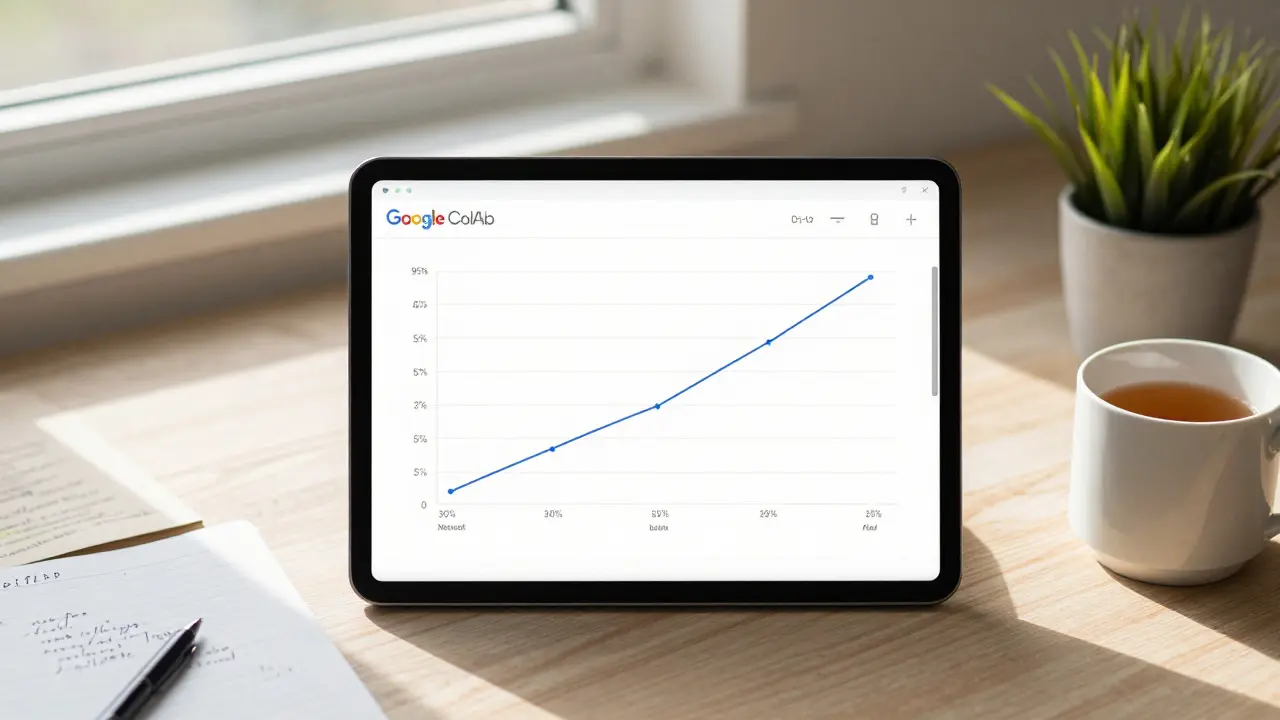
Take image recognition. You don’t write code that says, "If the image has pointy ears and a tail, it’s a cat." Instead, you feed the system 10,000 labeled cat and dog photos. You use a framework like TensorFlow or PyTorch to build a neural network. Then you train it. You tweak variables. You watch how the model’s accuracy climbs from 50% to 92%. That’s coding for AI. And it’s not magic. It’s math, muscle memory, and a lot of trial and error.
The Core Tools You Need to Start
You don’t need to master every tool out there. But there are three that every beginner in AI coding should get comfortable with:
- Python - It’s not just popular. It’s the lingua franca of AI. Libraries like NumPy, Pandas, and Scikit-learn make data handling easy. And with TensorFlow and PyTorch, you can build neural networks without writing a single line of C++.
- Google Colab or Jupyter Notebooks - These let you write and run code in your browser. No setup. No headaches. You can train a basic image classifier in under 30 minutes, even on a laptop with no GPU.
- GitHub - AI is built on open-source. You’ll find pre-trained models, datasets, and tutorials on GitHub. Learning to navigate it is like learning to read a map in a new country.
Start here: install Python, open Google Colab, and run this simple line:
import tensorflow as tf
print(tf.__version__)
If it prints a version number (like 2.15.0), you’re already coding for AI. That’s it. No fancy IDE. No 10-hour setup. Just code.
What You’ll Actually Do on Day One
Most tutorials make AI sound like rocket science. It’s not. Here’s what a real beginner’s first project looks like:
- You download a dataset of handwritten digits (MNIST is free and built into TensorFlow).
- You load it into a notebook.
- You build a neural network with three layers: input, hidden, output.
- You train it for 10 minutes.
- You test it on a new image-and it guesses the number right 95% of the time.
That’s it. No PhD required. No years of study. Just curiosity and 2 hours of your time.
And here’s the kicker: once you’ve done that, you’ve done the same thing Google did when they built their first handwritten digit recognizer in 2012. The only difference? Today, you can do it on a free cloud notebook. Back then, they needed a server farm.
Why This Is the Skill of the Tech-Savvy Generation
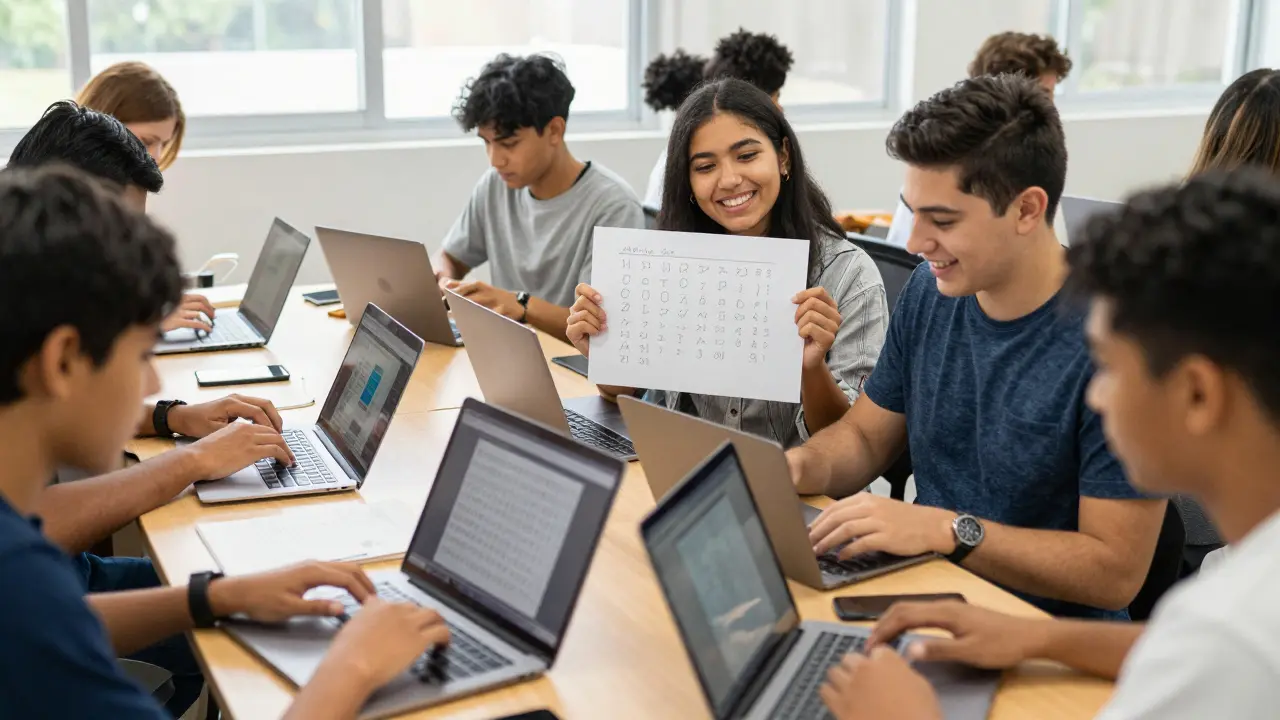
Gen Z and Alpha don’t just use tech-they expect to shape it. They don’t want to be passive consumers of AI. They want to build it. Fix it. Improve it. And that starts with understanding how it’s made.
Think about TikTok’s algorithm. It doesn’t just recommend videos. It learns what you like by watching how you scroll, pause, and react. Someone had to write the code that made that possible. Not just one person. Hundreds. And they didn’t start as experts. They started by playing with code, breaking things, and fixing them.
Today’s students aren’t waiting for permission. They’re building AI tools to grade their own essays, summarize lecture notes, or even generate study flashcards. They’re not learning to code for a job. They’re learning to code because it’s the only way to control the tools that control their world.
And it’s not just students. Teachers are using AI to personalize lessons. Doctors are using it to spot tumors. Farmers are using it to predict crop yields. Every industry is being rewritten by code. And if you can’t read that code, you’re stuck watching from the sidelines.
Common Mistakes New Coders Make (And How to Avoid Them)
You’ll hit walls. Everyone does. Here are the top three mistakes-and how to dodge them:
- Trying to learn everything at once. Don’t jump into transformers or reinforcement learning on day one. Master data loading, basic models, and evaluation first. Build a foundation. Then expand.
- Ignoring data quality. Garbage in, garbage out. A model trained on bad data will give you bad results-even if the code is perfect. Always check your datasets. Are they balanced? Are there duplicates? Are labels correct?
- Not testing small changes. AI models take time to train. But don’t wait 2 hours to find out your learning rate was too high. Test on a tiny subset of data first. Use 100 images, not 10,000. Get feedback fast.
One pro tip: keep a log. Write down what you changed and what happened. Did accuracy go up? Did training time double? That log becomes your personal AI journal. And it’s more valuable than any textbook.
Where to Go After the First Project
Once you’ve built your first model, you’re not done. You’re just getting started. Here’s what to do next:
- Try a different dataset. Predict house prices. Classify movie reviews. Detect spam emails.
- Use a pre-trained model. Download a model trained on thousands of cat/dog photos and fine-tune it for your own images. That’s transfer learning. It’s how most real-world AI systems are built.
- Deploy it. Use Hugging Face to share your model. Or wrap it in a simple web app with Streamlit. Suddenly, your code isn’t just in a notebook-it’s out in the world.
There’s no finish line. AI changes fast. New models drop every month. But the core skills-reading data, writing clean code, testing rigorously-stay the same. Master those, and you’ll always be able to catch up.
It’s Not About Being the Best Programmer
You don’t need to be a genius. You don’t need a computer science degree. You just need to be willing to try, fail, and try again.
I’ve seen 16-year-olds in Brisbane build AI tools that help local farmers track soil moisture using cheap sensors and free cloud models. I’ve seen high school teachers use AI to auto-grade essays with 90% accuracy. I’ve seen retirees learn Python to predict stock trends-not to get rich, but to understand how the system works.
Coding for AI isn’t about talent. It’s about persistence. It’s about asking, "What if I tried?" and then doing it. The tools are free. The tutorials are everywhere. The only thing standing between you and your first AI model is your willingness to start.
So open your notebook. Run that first line of code. And see what happens.
Do I need a math degree to code for AI?
No. You don’t need a math degree. You need to understand basic concepts like averages, percentages, and how graphs work. Most AI libraries handle the heavy math for you. Focus on learning how to use the tools, not deriving the formulas. You can learn the math as you go.
Is Python the only language for AI?
Python is by far the most common, but not the only one. R is used in stats-heavy fields. Julia is growing fast for speed-critical apps. Java and C++ power some enterprise AI systems. But if you’re starting out, Python is the fastest path to results. Learn it first. Branch out later.
How long does it take to get good at AI coding?
You can build your first working model in a weekend. Getting comfortable with real-world projects takes 3-6 months of consistent practice-about 5-10 hours a week. It’s not about hours. It’s about doing projects. The more you build, the faster you improve.
Can I learn AI coding without a computer?
Yes, but it’s harder. You need access to a device that can run a browser. Google Colab runs on phones and tablets. You can write and train models on a $200 Chromebook. You don’t need a gaming rig. You just need internet and the will to try.
What’s the best free resource to start?
Google’s "Machine Learning Crash Course" is free, well-structured, and uses TensorFlow. Kaggle’s micro-courses are also excellent-they’re hands-on, short, and built for beginners. Start with one. Finish it. Then move to the next.