How to Use AI for Music Composition and Production: A Practical Guide
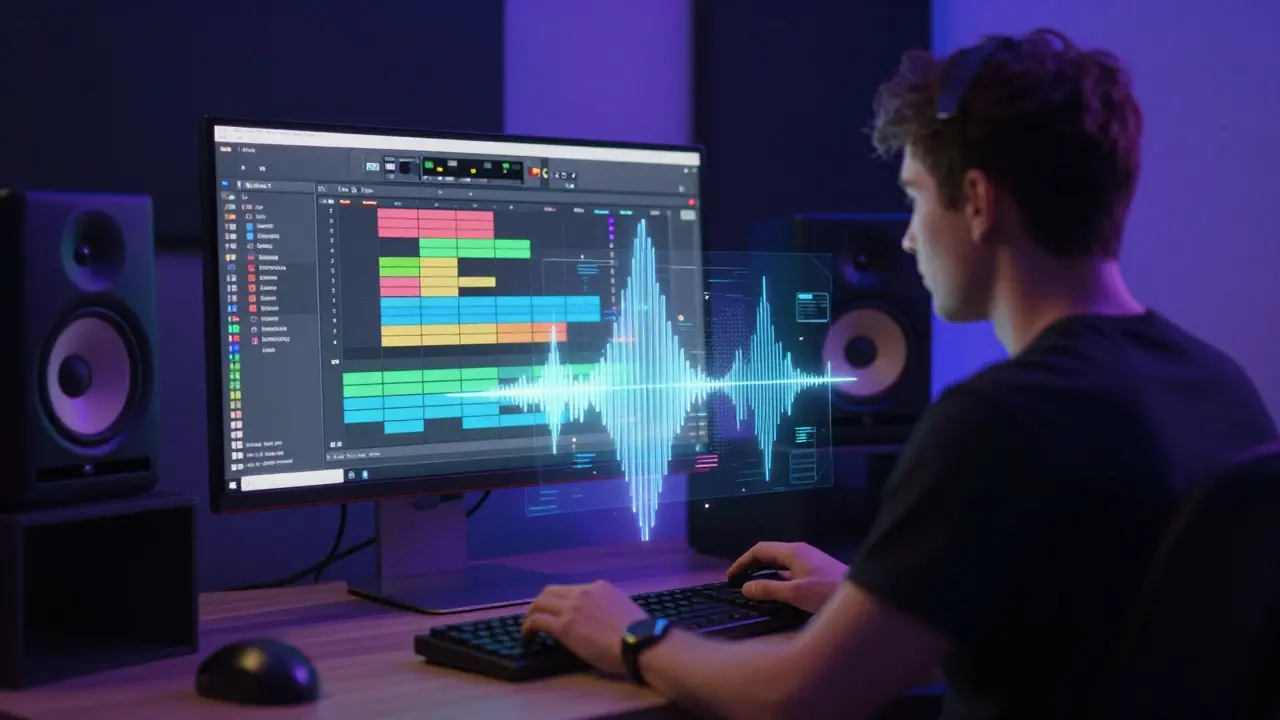
Most producers worry that AI will make music sound robotic or "souless." But the real magic happens when you use these tools for the heavy lifting-like arranging a complex orchestral section or cleaning up a muddy vocal track-so you can focus on the emotional core of your song. Whether you are a bedroom producer or a seasoned composer, integrating these tools into your workflow can shave hours off your production time and open up sounds you'd never think to try.
The Fast Track to AI Music Integration
If you're feeling overwhelmed by the number of tools available, start with these three core areas. First, use generative AI for ideation-generating chord progressions or melodies to break writer's block. Second, use AI for sound design, such as generating unique synth patches or cleaning up audio. Finally, use AI for technical polishing, which includes automated mixing and mastering.
For a quick win, try a "hybrid approach." Generate a MIDI melody using an AI tool, then drag it into your Digital Audio Workstation (DAW) and manually tweak the notes. This keeps you in control of the creative direction while letting the AI handle the initial mathematical layout of the music.
Breaking Writer's Block with Generative MIDI
One of the hardest parts of composing is the "blank page" problem. Generative AI is a type of artificial intelligence capable of creating new content, such as audio or MIDI, based on patterns learned from existing datasets . Instead of guessing which chords work, you can now set a mood-like "dark cinematic" or "upbeat lo-fi"-and let the AI suggest a foundation.
Take Orb Composer as an example. It doesn't just give you a random loop; it helps you map out the structure of a piece. You can define the intensity and the emotional arc, and the AI suggests the harmonies. If the AI suggests a C-minor chord where you wanted something more tension-filled, you simply swap it for a diminished chord. You're acting as the editor-in-chief, not just a passive listener.
Another powerful technique is using AI to generate "ghost melodies." If you're stuck on a lead line, an AI tool can generate ten variations of your current melody. You might find that version seven has a rhythmic skip that makes the whole track pop. You aren't stealing; you're iterating faster than ever before.
Revolutionizing Sound Design and Synthesis
Finding the perfect snare hit or a synth lead that doesn't sound like a preset from 2012 can take hours of scrolling. AI is changing this through neural synthesis. Instead of manually twisting knobs on a filter, you can describe the sound you want or provide a reference sample.
Tools like Synplant 2 use genetic algorithms to "grow" sounds. You can import a sample of a real-world sound-like a slamming door-and the AI analyzes the sonic characteristics to create a playable synth patch that mimics that texture. This bridges the gap between organic field recordings and synthetic music production.
Beyond synthesis, AI is a lifesaver for audio restoration. If you recorded a great vocal take but there's a hum from an air conditioner in the background, iZotope RX uses machine learning to identify the noise profile and surgically remove it without affecting the vocal quality. This allows producers to use imperfect recordings that would have been discarded ten years ago.
| Phase | AI Tool Type | Primary Value | Example Use Case |
|---|---|---|---|
| Composition | Generative MIDI | Overcomes writer's block | Creating a jazz chord progression |
| Sound Design | Neural Synthesis | Unique sonic textures | Turning a vocal chop into a synth |
| Production | Stem Separation | Remixing/Sampling | Isolating vocals from an old track |
| Post-Production | AI Mastering | Professional loudness/tone | Preparing a track for Spotify |
The New Era of Mixing and Mastering
Mixing is often where a great song goes to die. Balancing frequencies so the kick drum doesn't clash with the bass is a skill that usually takes years to master. AI Mixing uses a process called intelligent equalization to analyze the spectral content of every track and suggest a balanced mix.
Consider how Landr or eMastered work. They don't just apply a generic limiter; they analyze your track against thousands of professionally mastered songs in the same genre. They look at the peak levels, the stereo width, and the frequency curve to apply a custom processing chain. While a human mastering engineer can still provide a unique artistic touch, AI mastering is a game-changer for demo tracks and independent artists on a budget.
Wait, what about the actual mixing process? AI plugins now offer "assistants." For instance, some compressors can listen to your audio and automatically set the threshold and ratio based on the dynamics of the performer. This doesn't mean you should leave it on default, but it gives you a professional starting point from which to tweak.
Handling the Ethics of AI-Generated Music
We can't talk about AI in music without talking about the elephant in the room: copyright. When an AI is trained on millions of songs, who owns the output? If an AI generates a melody that sounds suspiciously like a Beatles track, is that plagiarism?
The current industry standard is moving toward "human-in-the-loop" systems. This means using AI as a tool for augmentation rather than autonomous creation. The most successful artists are using AI to generate raw materials-fragments, textures, and ideas-which they then curate and arrange. The copyright typically resides with the human who made the creative choices, not the software that suggested the notes.
Another concern is the "homogenization" of sound. If every producer uses the same AI mastering tool, will all music start to sound the same? This is why it's vital to use AI for the technical side but maintain a human hand in the artistic side. Use AI to get the mix clean, but use your ears to decide if the song actually feels right.
Common Pitfalls to Avoid
- Over-reliance on defaults: AI assistants provide a great starting point, but leaving everything on "Auto" often results in a sterile, generic sound. Always tweak the AI's suggestions by 10-20% to add human flavor.
- Ignoring the "Ghost in the Machine": Sometimes AI makes a "mistake"-a weird glitch or an unexpected chord-that actually sounds brilliant. Don't delete everything that doesn't fit the pattern; some of the best musical innovations come from happy accidents.
- Neglecting the Basics: AI cannot fix a bad recording. If your microphone placement is wrong or your performance is out of time, an AI plugin can only do so much. Focus on a clean capture first.
Will AI replace music producers and composers?
No, it's unlikely. AI lacks the lived experience, emotional nuance, and cultural context that drive great music. It's a tool for efficiency and exploration. Think of it like the transition from tape to digital recording; the tools changed, but the need for a creative vision remained.
Are AI-generated songs copyrightable?
Laws vary by country, but generally, purely AI-generated content without significant human intervention cannot be copyrighted. However, if you use AI to generate a melody and then arrange, edit, and produce it, the resulting work is typically protectable because of your creative contribution.
Which AI tool is best for beginners?
For those just starting, AI mastering services like Landr are the most accessible because they require no technical knowledge. For composition, tools that generate MIDI (rather than raw audio) are better because they allow you to change the instruments and notes later in your DAW.
Can AI help with lyric writing?
Yes, Large Language Models (LLMs) can be used to brainstorm rhymes, find synonyms, or generate thematic ideas. The best approach is to treat the AI as a rhyming dictionary on steroids-use it to find a word that fits the meter, then rewrite the line to make it feel more personal.
Does AI mixing sound as good as a professional engineer?
For 80% of tracks, AI mixing gets you very close to a professional sound, especially for clear, modern genres like EDM or Pop. However, for complex genres like Jazz or Classical, where dynamic range and subtle spatial cues are critical, a human engineer's ear is still superior.
Next Steps for Your Studio
If you're ready to experiment, don't overhaul your entire studio at once. Pick one pain point-maybe it's your mixing or your melody writing-and introduce one AI tool into that specific part of your process. Try a "blind test": produce one version of a track using your old methods and another using AI assistance. Compare them not by which is "better," but by which one allowed you to express your idea more clearly.
As these tools evolve, the most valuable skill won't be knowing how to operate the software, but knowing what to ask for. Developing your musical vocabulary-understanding terms like "syncopation," "spectral masking," and "modal interchange"-will allow you to guide AI tools with precision, turning a generic output into a masterpiece.